REDUNDANT AND BIDIRECTONAL SYSTEMS
71
SC5100 CONTROLLER
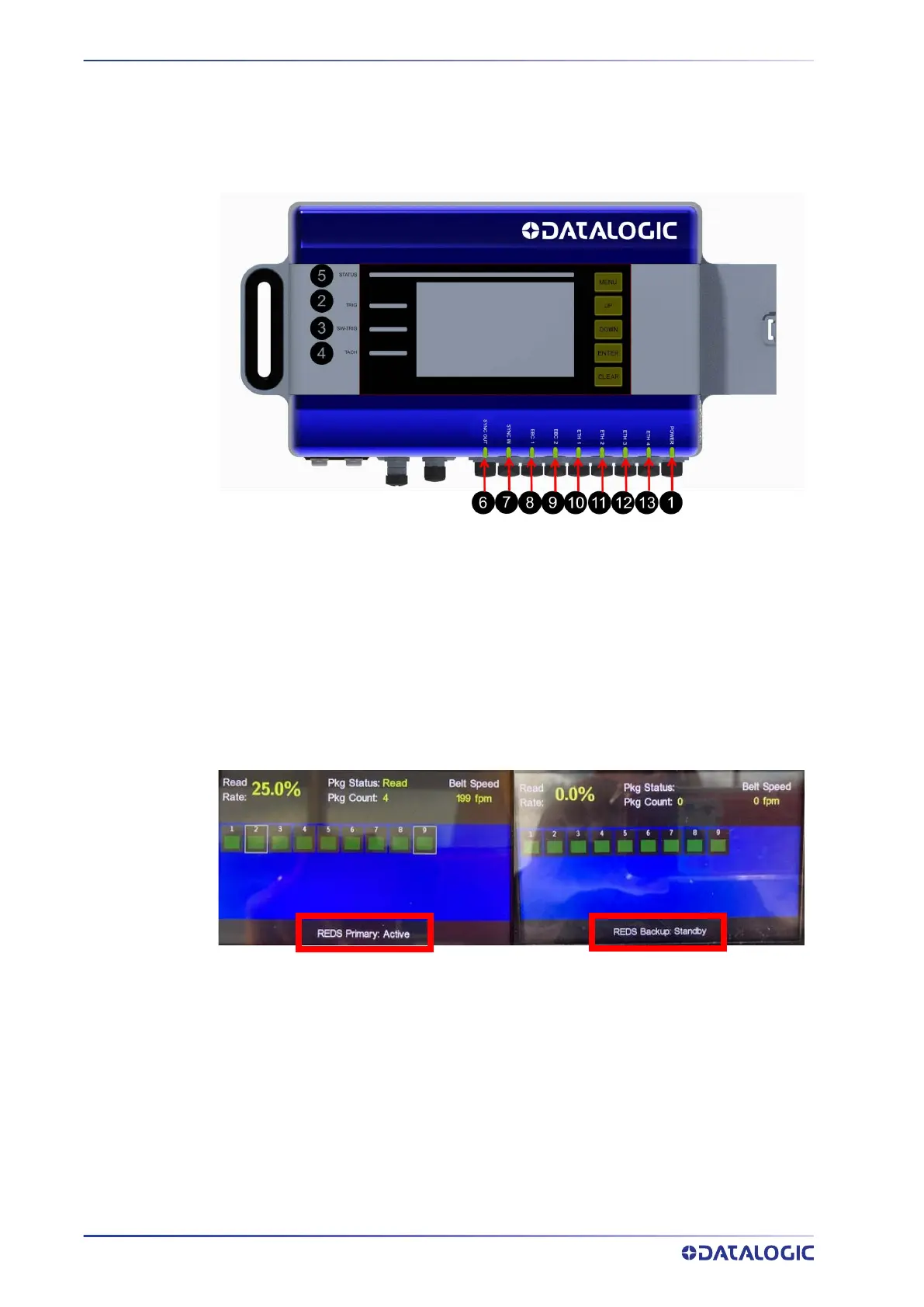
CHECK STATUS OF PRIMARY AND BACKUP SC5100
The LEDs on the SC5100 should operate as listed below when the system is operating as
it should.
SC5100 LEDs
STATUS= Light Green
TRIG = Light Green (when Photocells are triggered)
SW TRIG= Light Green (when Photocells are triggered)
TACH= Light Green (when Conveyor Belt is moving)
The Default (Dashboard) display of each SC5100 shows which device it is and the status.



 To Next Page