REDUNDANT AND BIDIRECTONAL SYSTEMS
67
SC5100 CONTROLLER
Organize Device Positions
You want to make sure you have the Device positions and descriptions in your EBC and
SyncNet Tools windows setup as necessary for your system.
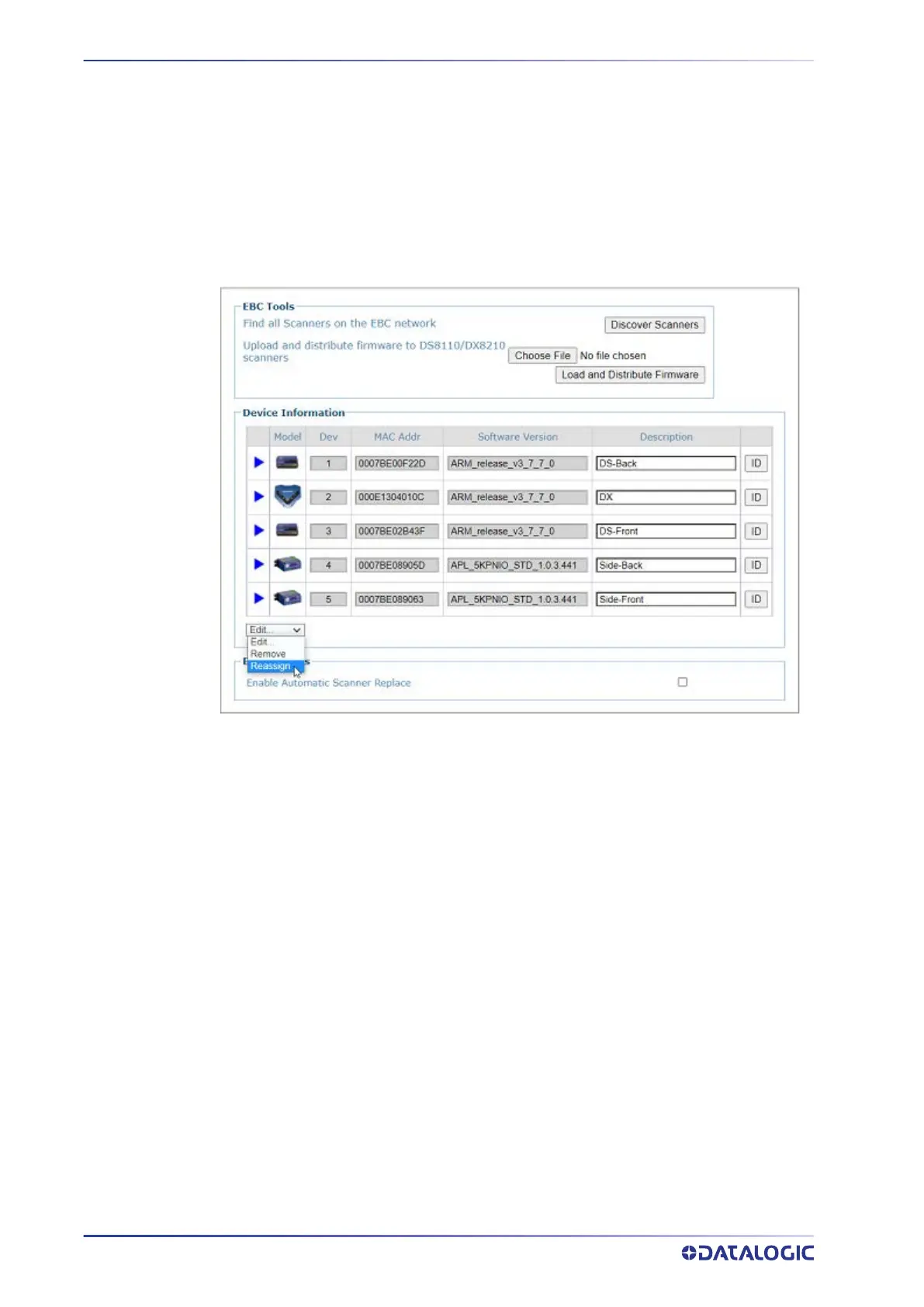
1. In e-Genius select
Modify Settings > EBC Devices or Modify Settings > SyncNet
Devices
2. Select Reassign from the Edit drop-down options.
3. When you select
Reassign, drop-down options appear for each device within the
network.
4. Select a correct device number for the specified device.
5. Once you have properly assigned all positions and entered all descriptions, click
OK by the Reassign option to save your re-assignments.



 To Next Page