DEFINE SYSTEM PARAMETERS
PRODUCT REFERENCE GUIDE
68
Define Remaining Parameters
Use e-Genius to define all of the parameters for the SC5100 Primary Controller as well
as the Devices connected to the controllers. See the product specific Reference Guides
for each product for parameter details.
Perform PackTrack Calibration
Perform PackTrack Calibration for each device within your system. See the product spe-
cific reference guide for how to complete this process.
Save Parameter File of Primary SC5100
Once you have completed configuration of your system for the single (primary) control-
ler, you must create a backup of the parameters.
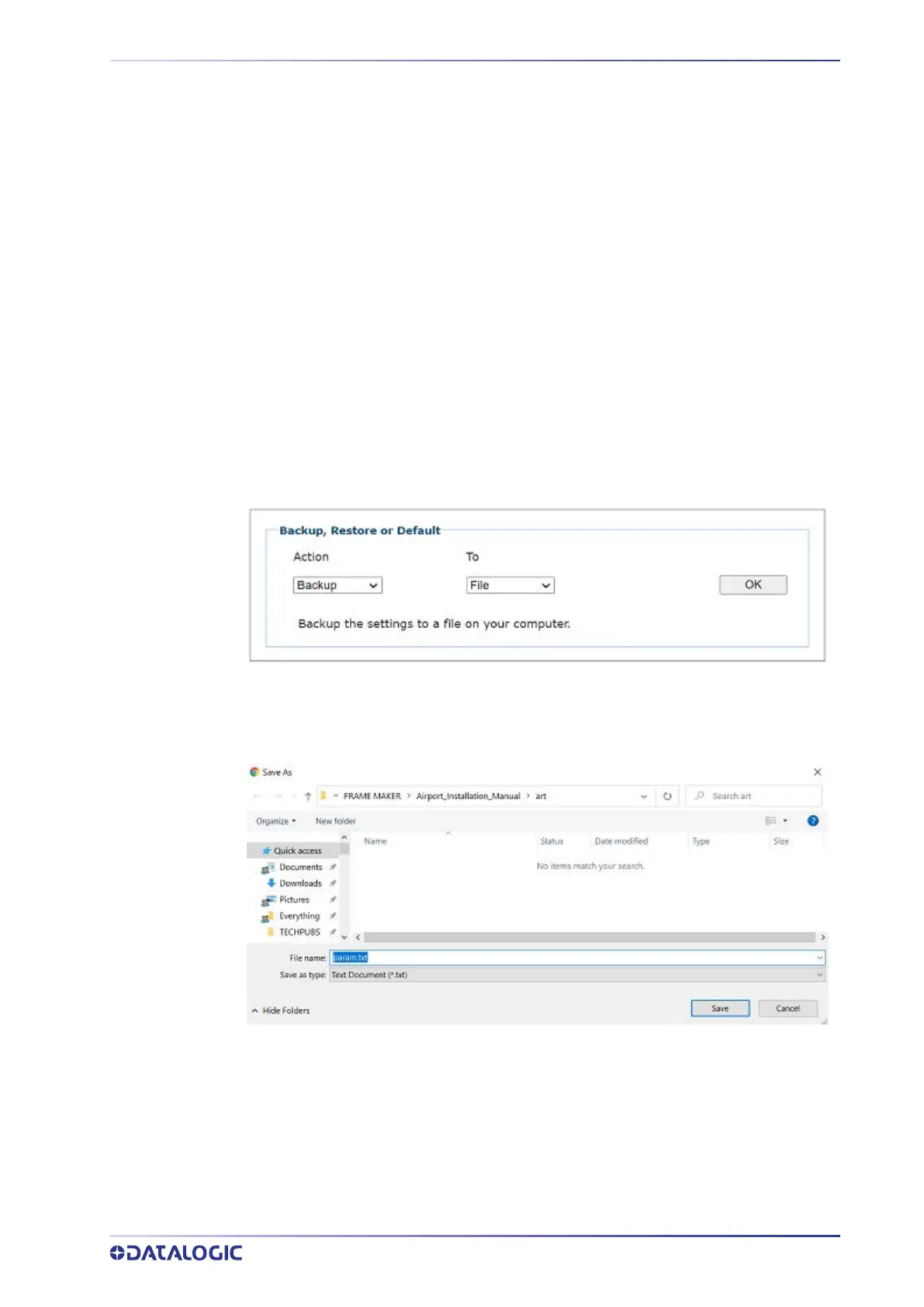
1. In e-Genius select
Utilities > Backup or Restore.
2. Select Backup from the Action drop-down and File from the To drop-down. Click
OK and a text backup file of the parameters is available.
3. Click
Save to save the text file to your desired location.



 To Next Page