19
SC5100 CONTROLLER
CHAPTER 2
MECHANICAL INSTALLATION
PREPARING FOR MECHANICAL INSTALLATION
Before mounting any components, please do the following:
• Read all instructions before beginning your installation.
• Review all installation-specific drawings provided with your equipment.
• Review and plan the mechanical installation of all devices used in your application.
Be sure to allow adequate clearance for maintenance.
• Review and plan the power requirements for your application.
• Check the contents of the shipping cartons against the packing list.
• Record all product serial numbers.
UNPACKING INSTRUCTIONS
Verify that the SC5100 Controller and all the parts supplied with the controller are pres-
ent and intact when opening the packaging; the list of parts includes:
• SC5100 Controller
• SC5100 Quick Reference Guide
• (2) Drop-In T-Slot studs and flange hardware (M8 thread or 5/16”-18), one per side
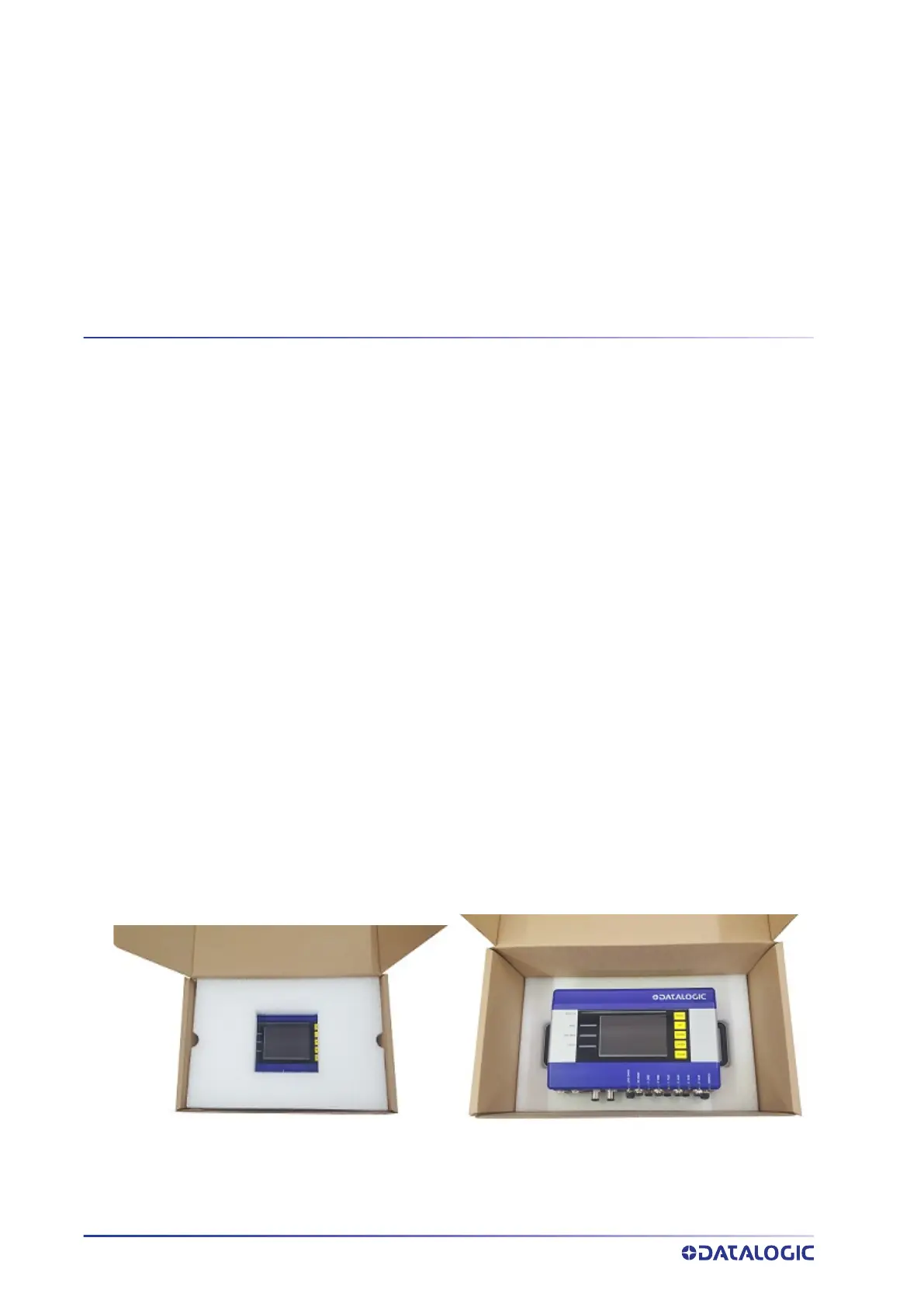
1. Open the SC5100 packaging.
2. Remove the foam layer to reveal
the SC5100.
4. Check the (2) Drop in T-slot studs and flanges
as well as the Quick Start Guide are in the
package.
3.Remove the SC5100 from the package.



 To Next Page