Operations during Faxing
153
Operations during Faxing
This section describes the available operations during faxing. The following shows the
reference section for each operation.
Stopping the Fax Job............................................................................................................... 153
Changing the Scan Settings.................................................................................................... 154
Stopping the Fax Job
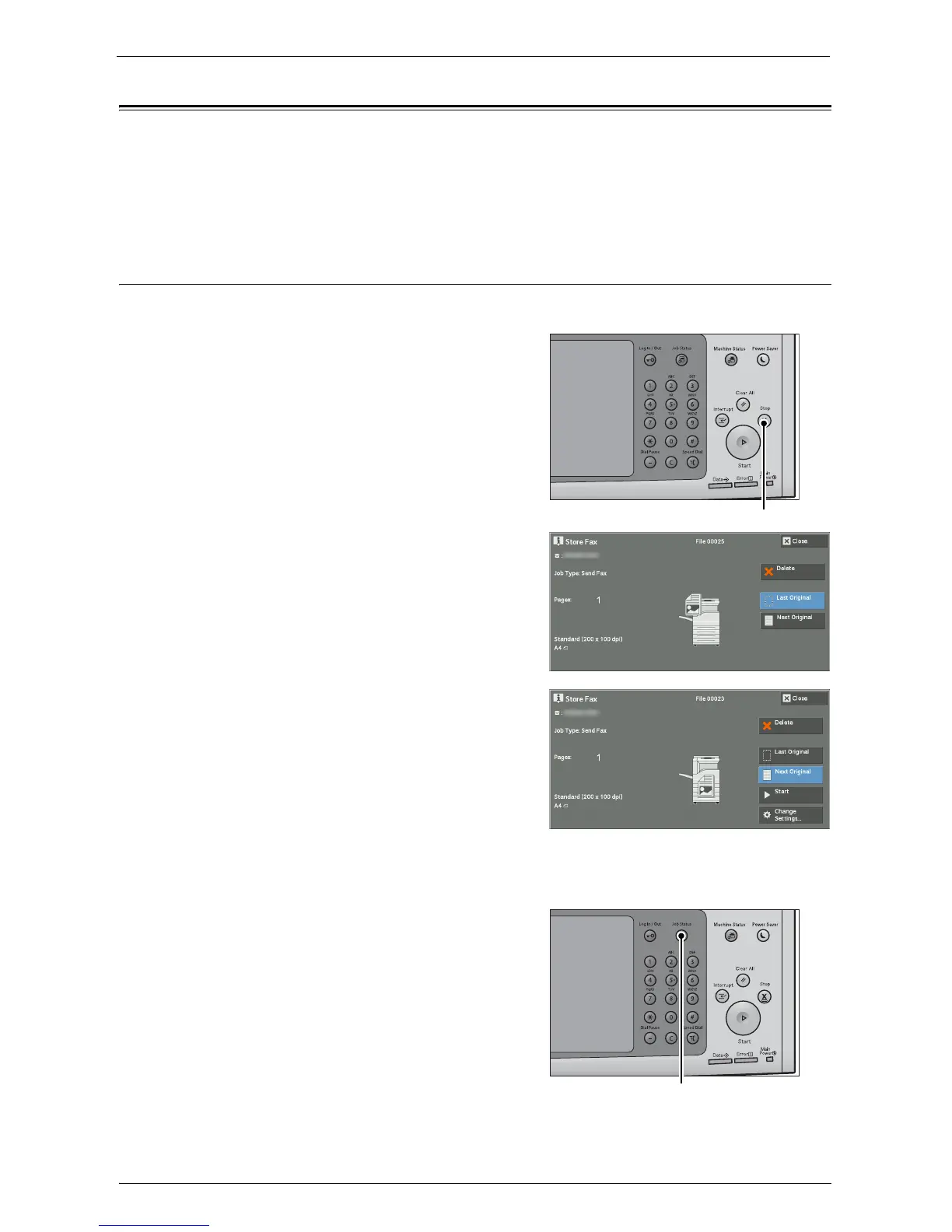
To cancel scanning a fax document, use the following procedure.
1
Press either the <Stop> button on the control
panel or [Delete] on the touch screen.
2
Select [Delete].
If [Delete] does not appear on the screen:
1
Press the <Job Status> button.














 To Next Page