8 Web Applications
188
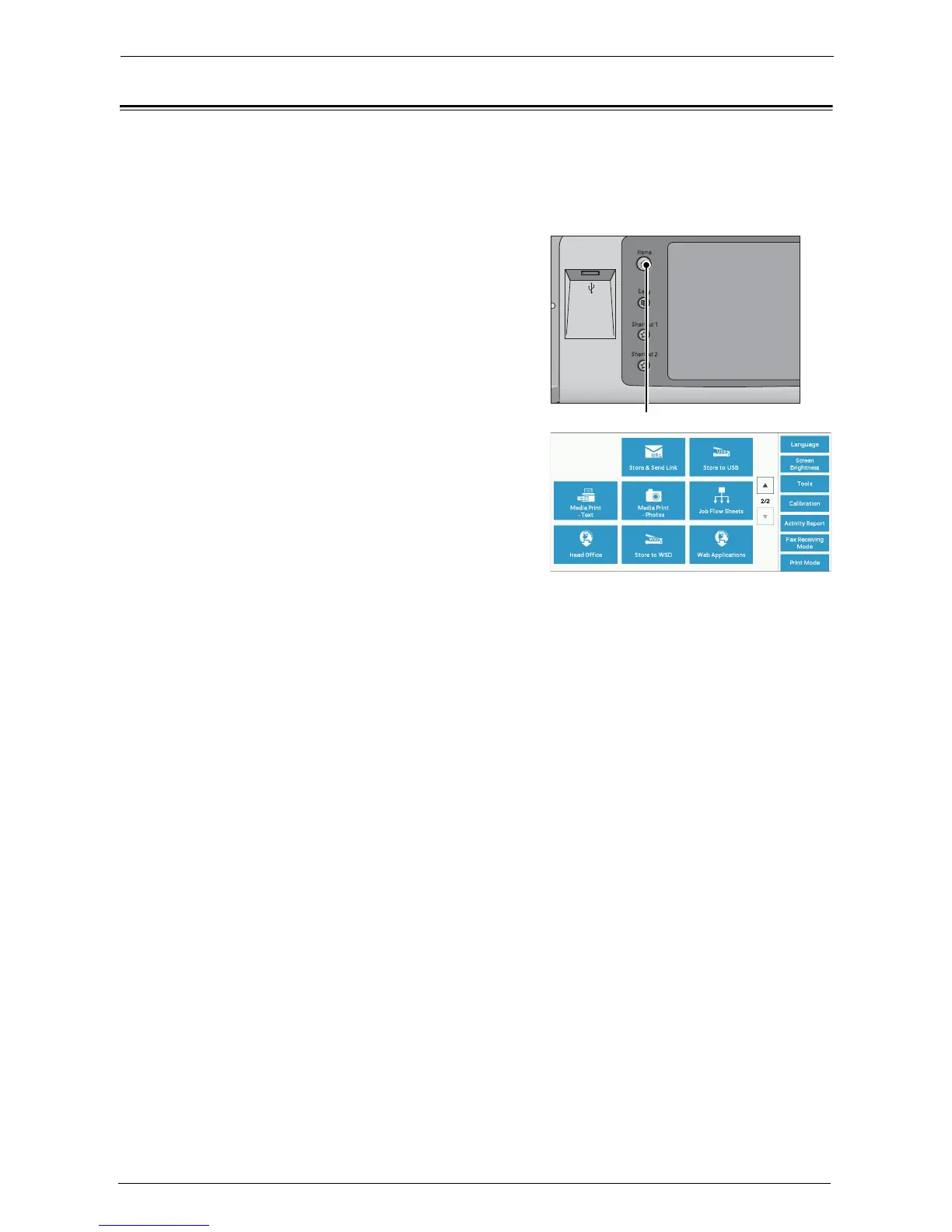
Accessing Using Buttons Registered on the [Home] Screen
You can register frequently used web applications on the [Home] screen as buttons. The
following describes how to access the applications by selecting the buttons.
For information on how to register a web application to a button on the [Home] screen, refer to
"Screen/Button Settings" (P.319).
1
Press the <Home> button.
2
Select [Head Office] registered on the [Home]
screen.
Note • "Head Office" is registered as an example
here. You can specify the name and the
position of the button.














 To Next Page