Operations during Copying
67
2
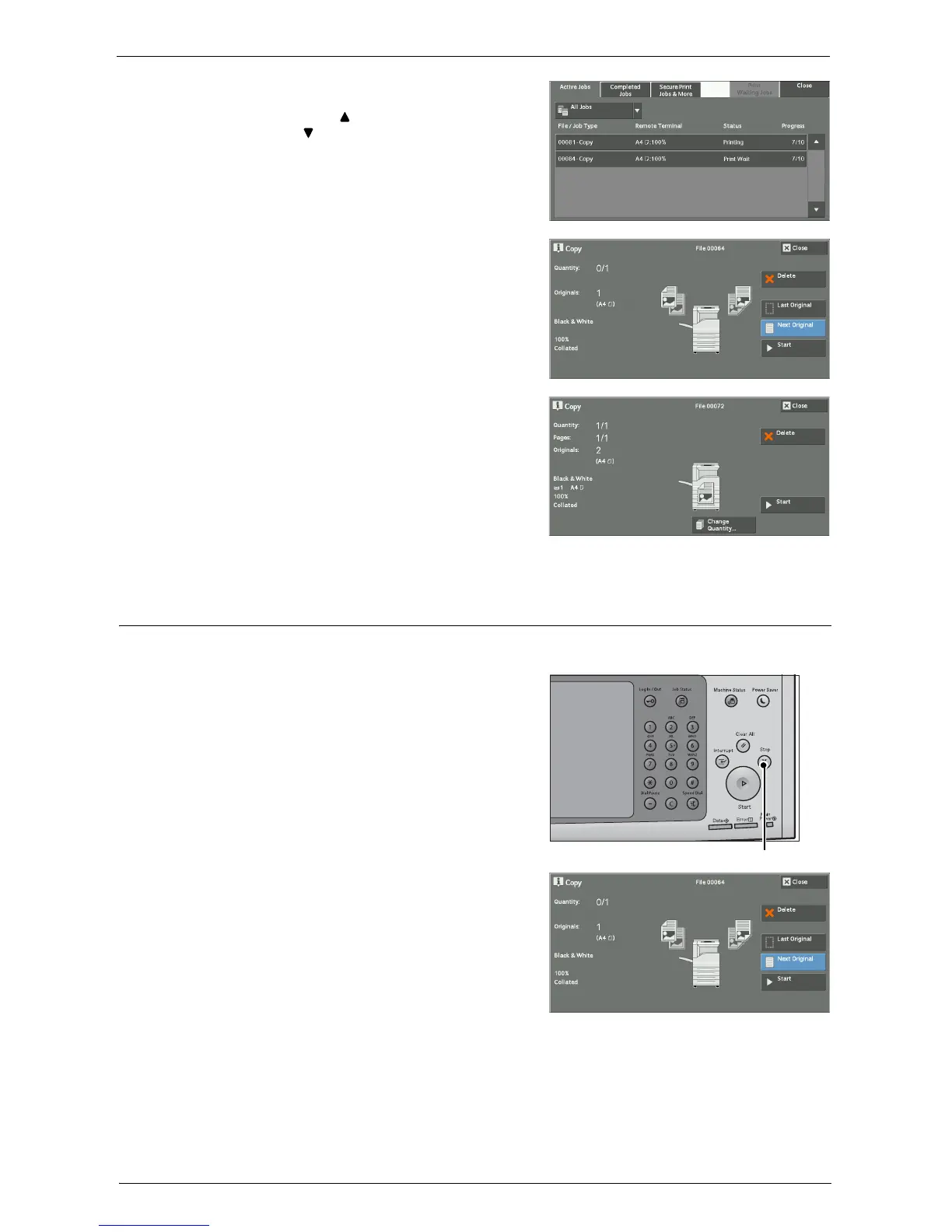
Select the job to cancel.
Note • Select [ ] to return to the previous screen or
[ ] to move to the next screen.
3
Select [Delete].
4
Select [Delete].
Changing the Number of Copies
To change the number of copy sets during scanning or copying, use the following procedure.
1
Press either the <Stop> button on the control
panel or [Delete] on the touch screen.














 To Next Page