Scanning Procedure
161
The following table shows file formats available for each Scan service.
*1 :XPS stands for XML Paper Specification.
*2 :Supported on Acrobat 4.0 or later
*3 :TWAIN compatible application
*4 :Windows Vista
®
Service Pack 2 or later
Note • If you do not specify a file name for the document to be saved, a file name is automatically assigned to
each file or folder based on a particular rule. For example, the file name "img-123123456" indicates that
the document was scanned at 12:34:56 on January 23.
X, Y, and Z represent October, November, and December, respectively.
The following describes how to store scanned data into a folder as an example.
1
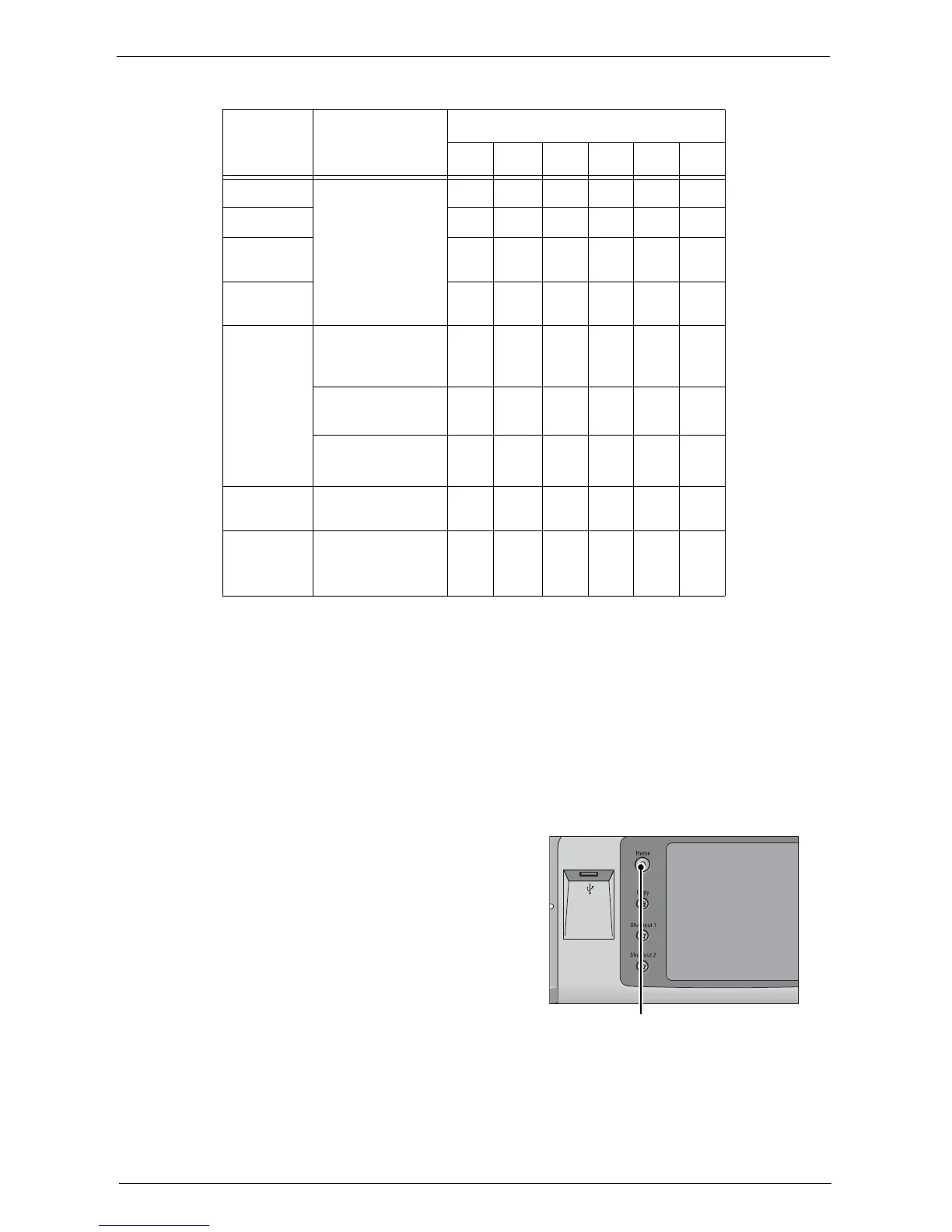
Press the <Home> button.
Scan
Service
File Format can be
Selected When
File Format
PDF
XPS*
1
TIFF JPEG BMP PNG
E-mail Using the control
panel when
scanning
O*
2
OOOXX
Scan to PC
O*
2
OOOXX
Store to
USB
O*
2
OOOXX
Store &
Send Link
O*
2
OOOXX
Store to
Folder
Using Dell Printer
Configuration Web
Tool
O*
2
OOOXX
Stored File
Manager 3
®
XXOOXX
Using Adobe
®
Acrobat
®
*
3
O*
2
XXXXX
Job Flow
Sheets
Creating a job flow
O*
2
OOOXX
Store to
WSD
Using [Scan
Profiles] of
Windows
®
*
4
X OOOOO
O
X
:
:
Available
Not available














 To Next Page