Machine Information
279
Note • You can configure the setting for TIFF and JPEG logical printers using Dell Printer Configuration Web
Tool.
PostScript Logical Printers List
Prints the list of logical printers created in PostScript.
Note • You can configure the setting for PostScript logical printers using Dell Printer Configuration Web Tool.
ESC/P Settings List
Prints the settings configured in the ESC/P-K emulation mode.
ESC/P Logical Printers List
Prints the programming settings configured in the ESC/P-K emulation mode.
HP-GL/2 Settings List
Prints the settings for the HP-GL
®
, HP-GL/2
®
and HP-RTL emulation modes.
HP-GL/2 Logical Printers List
Prints the stored programming settings for the HP-GL, HP-GL/2, and HP-RTL emulation
modes.
HP-GL/2 Palette List
Prints the sample list in 256 colors that can be set with the pen attribute on HP-GL and HP-
GL/2 emulation modes.
Font List
Prints the list of fonts available on the machine.
Note • Information printed varies depending on the options installed.
PCL Font List
Prints the fonts available in PCL.
PostScript Font List
Prints the fonts available in PostScript.
Scan Reports
1
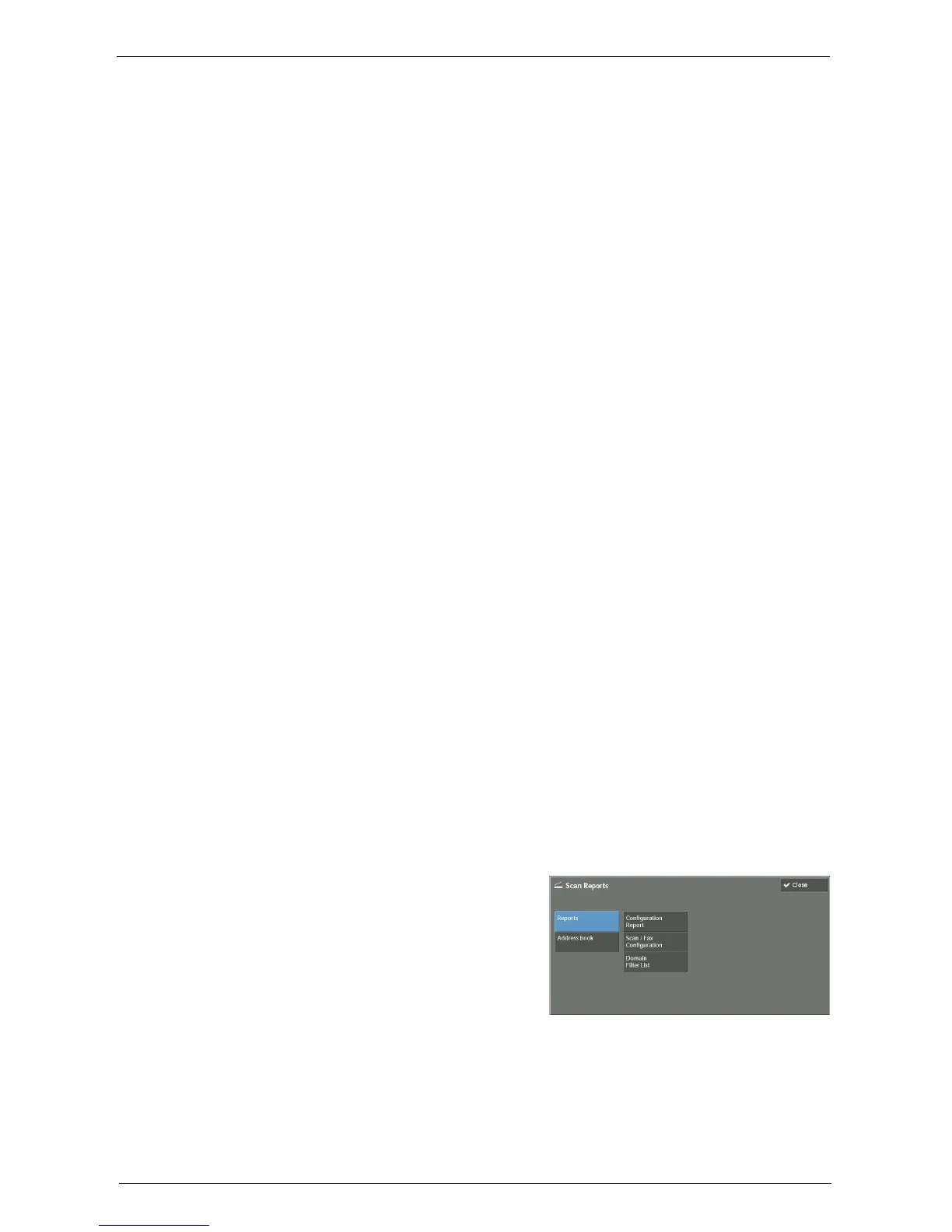
Select [Scan Reports].
Note • To display the [Scan Reports] screen, press the <Machine Status> button, and then select [Machine
Information] > [Print Reports] > [Scan Reports].
2
Select a list to print.
3
Press the <Start> button.
Reports
You can print the Configuration Report, Scan/Fax Configuration Report, and Domain Filter
List. Select a list to print, and then press the <Start> button.
• Configuration Report














 To Next Page