15 Tools
424
To start a job flow automatically, you must link the job flow to a folder. When a file is stored
in the folder, it is automatically processed in accordance with the job flow sheet linked.
Note • To link a folder with a job flow sheet created with [Create Job Flow Sheet], start from [Send from
Folder] or [Create Folder]. For more information, refer to "Create Folder" (P.421).
Features that can be registered are listed below.
• Forward to (FTP, SMB, e-mail, fax, and Internet fax)
•Print
Depending on the method of storing in the folder, there are restrictions on the combination
of features.
*1 :Load an A4 document in landscape orientation when TIFF-S has been selected for the Internet fax forwarding profile.
Loading the document in portrait orientation will reduce the size of the Internet fax image.
*2 :If the fax USB cable is disconnected while a received fax file in a folder is being printed, the file is not deleted after printing,
even if the delete after printing setting is enabled in the folder settings.
Restrictions on Using Job Flow
A job flow can be used by single or multiple users, or can be used by linking to a specific
folder. The Authentication feature restricts the use of the job flows.
For information on the available Job Flow features and restrictions on use, refer to "Authentication
for Job Flow Sheets and Folders" (P.544).
1
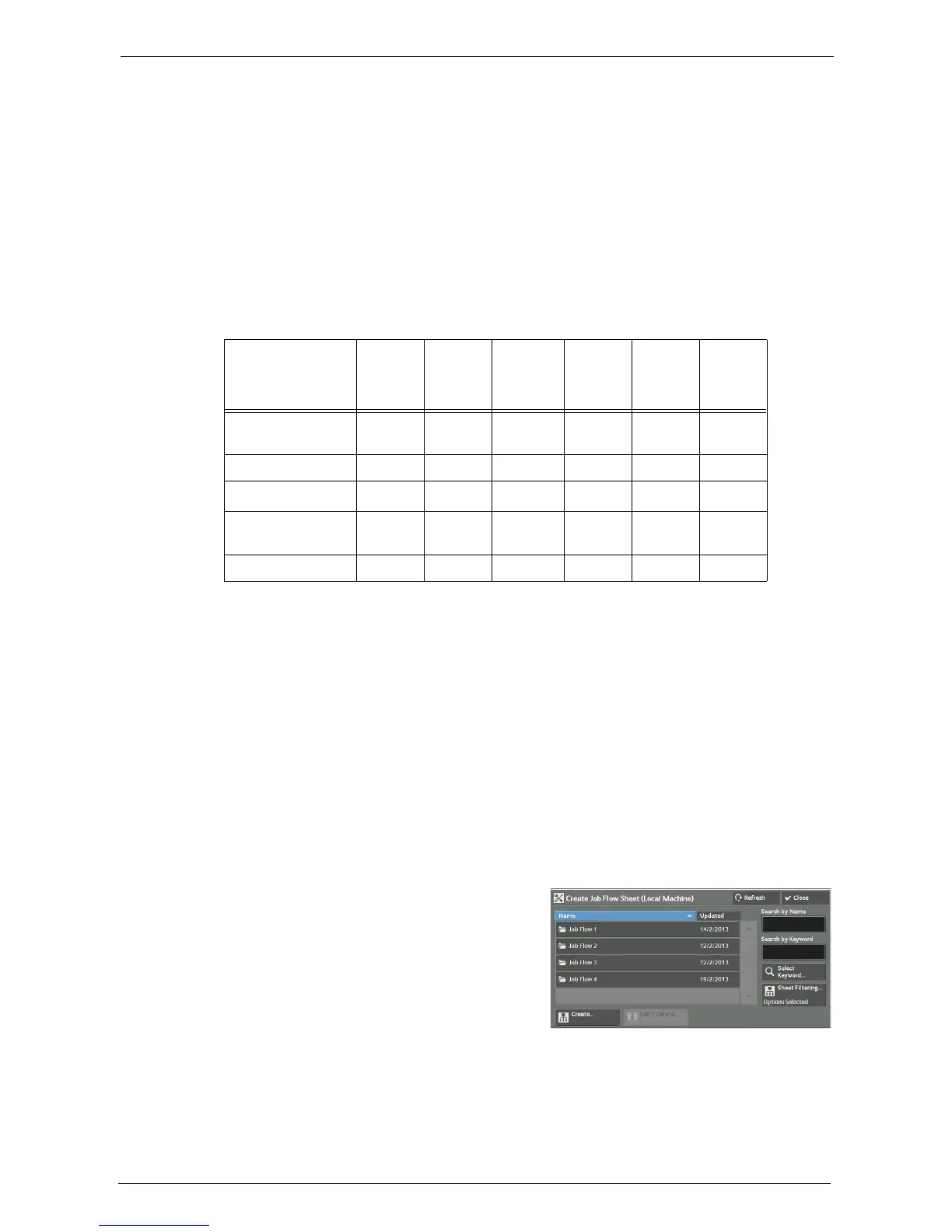
Select [Create Job Flow Sheet].
2
Carry out the job flow operation in accordance
with your purpose.
Output
Input
Print Fax
Internet
Fax
*1
Mail FTP SMB
Fax Documents for
Secure Polling
OOOOOO
Scanning O O O O O O
Fax to Folder
O
*2
OOOOO
Internet Fax
Received
OOUUOO
Print Stored X X X X X X
O
X
U
:
:
:
Available
Not available
Available depending on the System Administration mode settings














 To Next Page