Shortcut Menu Settings
761
3
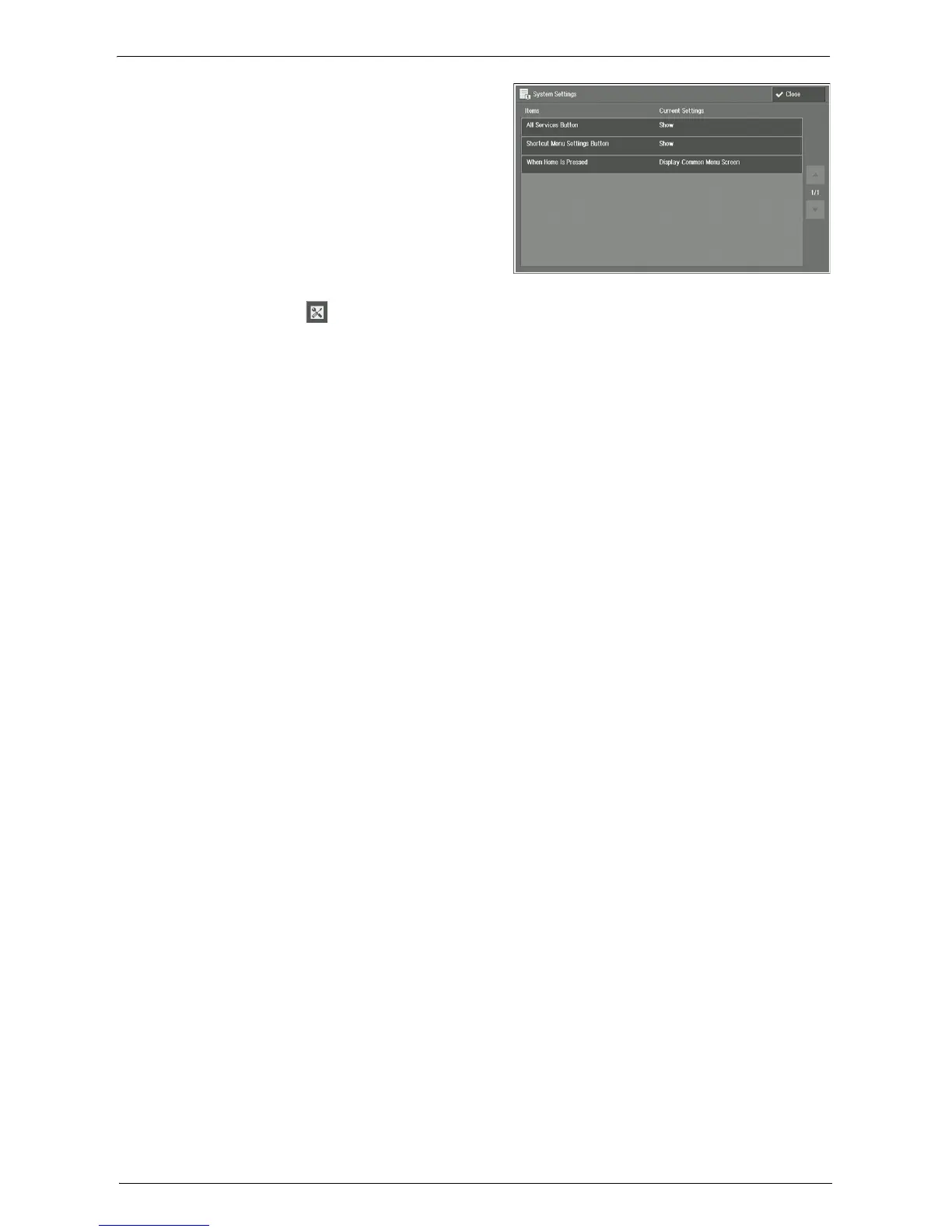
Configure below items on the [System
Settings] screen.
All Services Button
For local users, system administrator can
choose the [All Services] button to appear
or not to appear on their Shortcut Menu
screens.
Shortcut Menu Settings Button
For local users, system administrator can
choose the [ ] (Shortcut Menu Settings) button to appear or not to appear on their
Shortcut Menu screens.
When Home Is Pressed
For local users, system administrator can choose [Display Shortcut Menu Screen] or
[Display Common Menu Screen] for the screen which appears after pressing the <Home>
button on the control panel.
Note • Setting [Do Not Show] in [All Services Button] option and [Display Shortcut Menu Screen] in [When
Home Is Pressed] option at the same time prevents local users from showing the [Home] screen. To
show the [Home] screen by local users, set [Display Common Menu Screen] in [When Home Is
Pressed] option.
4
Select [Close].














 To Next Page