Scanning
321
Scanning from the computer
The following procedure uses Windows
®
7 as an example.
1
Load the document(s) facing up with top edge in first into the DADF.
OR
Place a single document facing down on the document glass, and close the document cover.
For details about loading a document, see "Loading an Original Document."
2
Click
Start
Devices and Printers
on the computer.
3
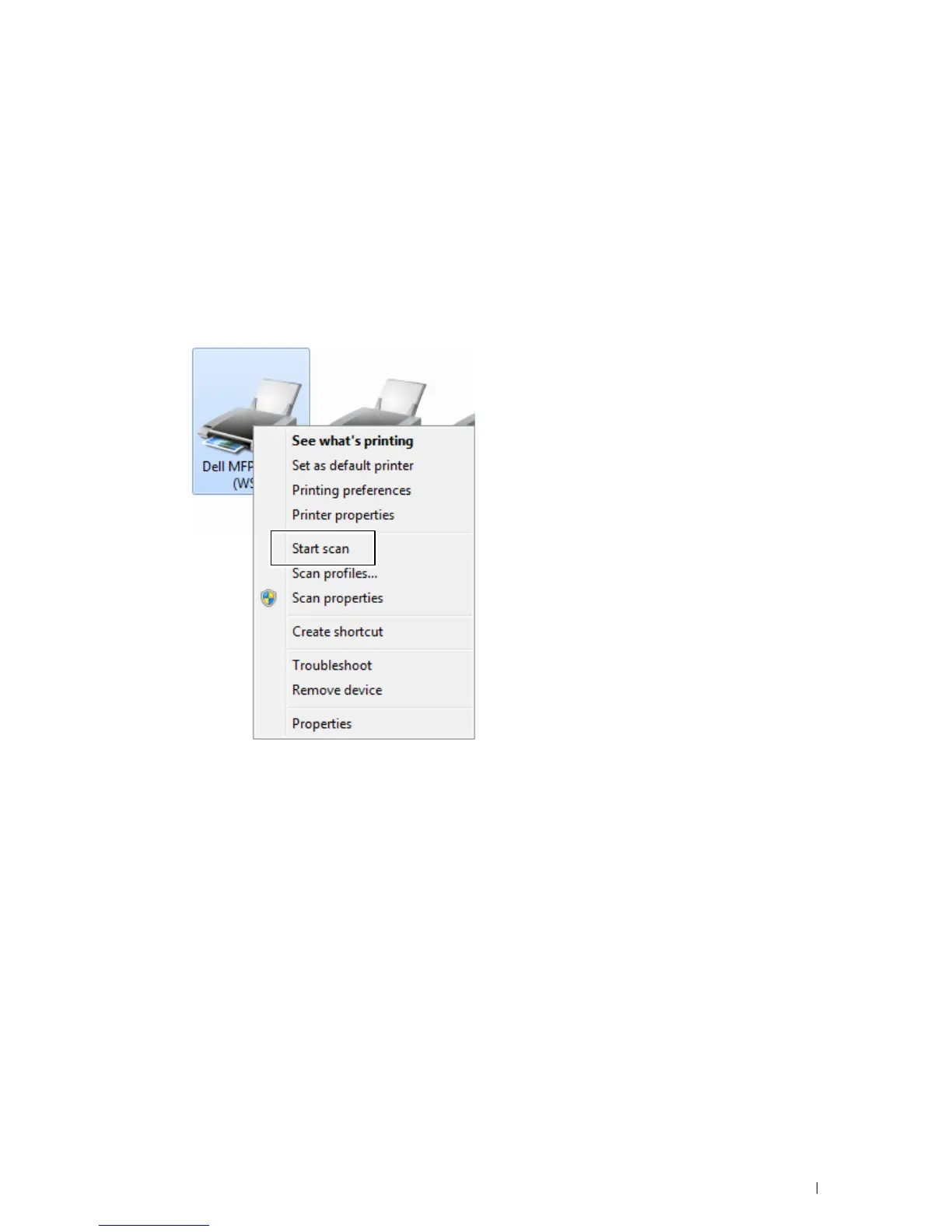
Right-click the printer icon of the Dell MFP H815dw or Dell MFP S2815dn, and then select
Start scan
.













 To Next Page