Scanning
341
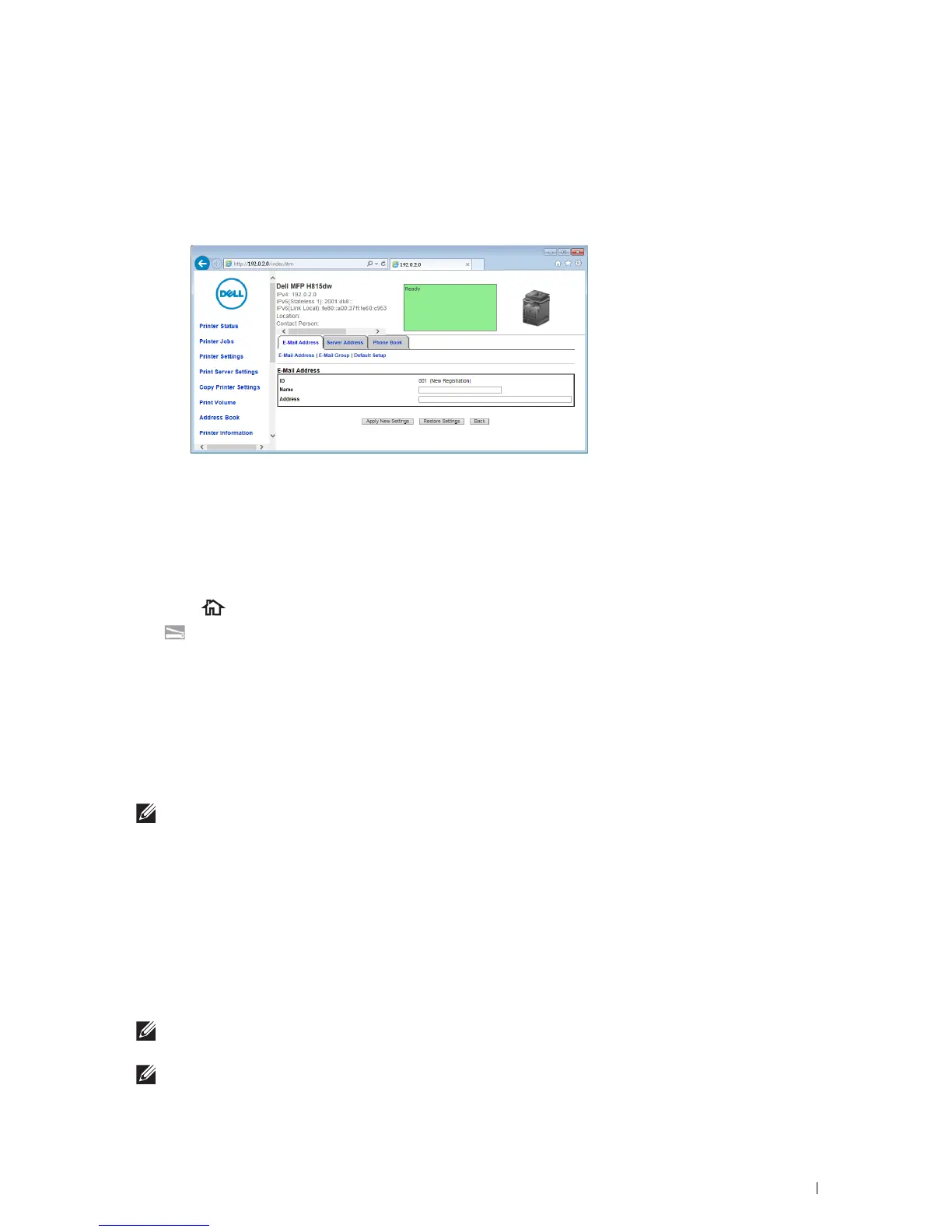
Adding a New E-Mail Address to the Printer's Address Book
1
From the
Dell Printer Configuration Web Tool
, click
Address Book
, and then click the
E-Mail Address
tab.
2
Click
Create
.
The
E-Mail Address
page for registering a new e-mail address appears.
3
Enter the following:
•Name
•Address
4
Click
Apply New Settings
.
Sending an E-mail With the Scanned File
1
Press the
(Home)
button.
2
Ta p
Scan to Email
.
3
Specify a recipient from the following:
Enter Recipient's Address
: Enter an e-mail address directly.
Sender
: Select from the following types of selecting sender's e-mail address:
•
Keyboard
: Select an e-mail address from using keyboard.
•
Address Book
: Select a group of e-mails registered in the address book.
•
Network Address Book
: Search an e-mail address from the LDAP server address book.
NOTE:
The sender's e-mail address cannot be edited when the remote authentication is used as the user authentication
method on the Dell Smart Multifunction Printer | S2815dn.
Address Book
: Select from the following types of address books:
•
Individuals
: Select an e-mail address registered in the address book.
•
Groups
: Select a group of e-mails registered in the address book.
•
Network Address Book
: Search an e-mail address from the LDAP server address book.
Tap + and the recipient you specified from
Enter Recipient's Address
to remove or edit the recipient.
Tap + and the recipient you specified from
Address Book
to remove or see details of the recipient. You can also
change the e-mail to Bcc.
NOTE:
For more information on address book and server address book, see "Address Book Editor (for Microsoft
®
Windows
®
and OS X)."
NOTE:
For details about
Network Address Book
, see "Using the Server Address Book and Server Phone Book."













 To Next Page