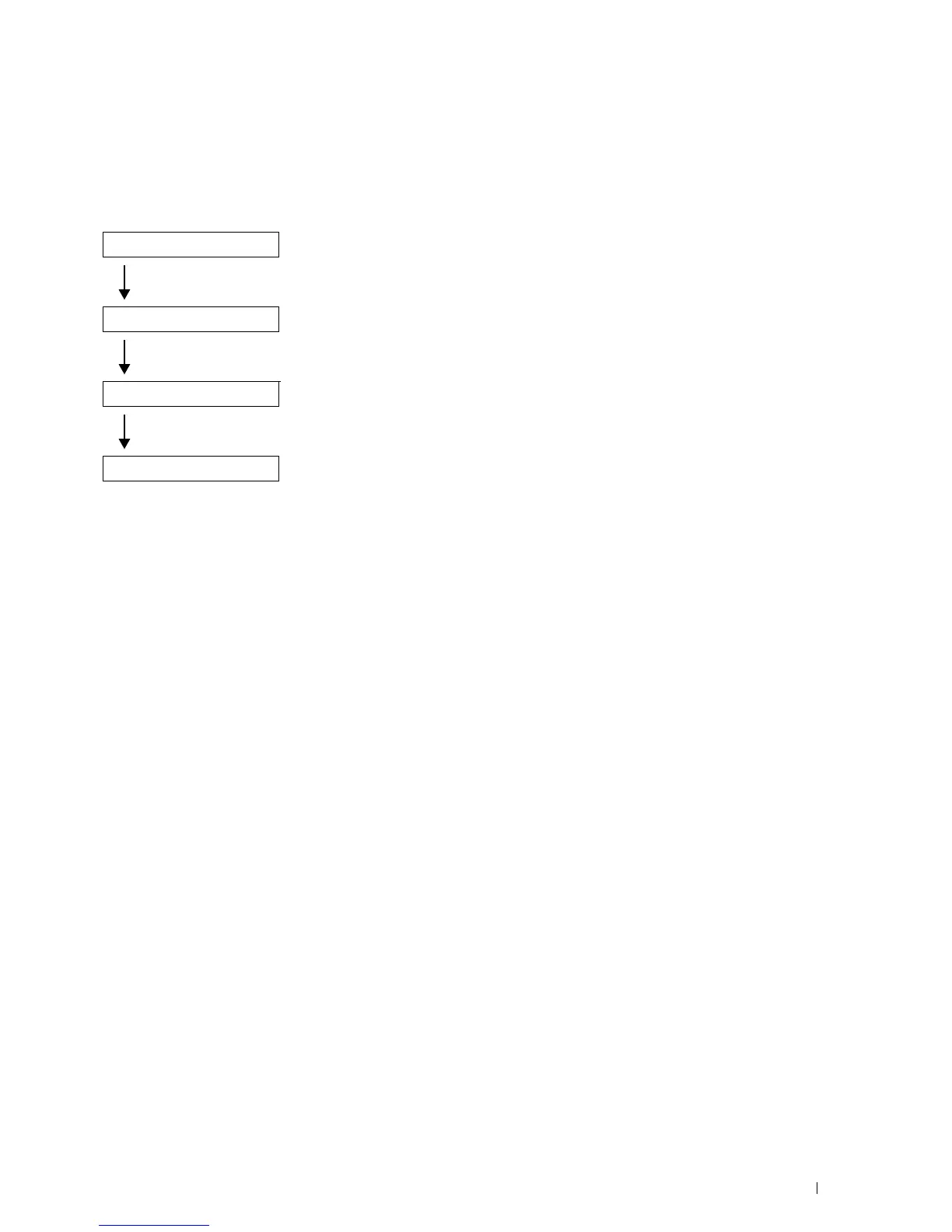
Overview of the Printer Setup
47
5
Overview of the Printer Setup
The following are the procedures necessary to set up the printer.
Hardware preparations
"Installing Optional Accessory"
"Turning on the Printer"
Initial settings
"Configuring Initial Settings on the Operator Panel"
Connections
"Connecting to a Computer or a Network"
"Connecting to the Telephone Line"
Printer setup
"Setting Up the Printer Using Dell Printer Easy Install (Windows
®
Only)"
"Installing Printer Drivers on Windows
®
Computers"
"Installing Printer Drivers on Macintosh Computers"
"Installing Printer Drivers on Linux Computers (CUPS)"













 To Next Page