About the Printer
43
Optional Accessory
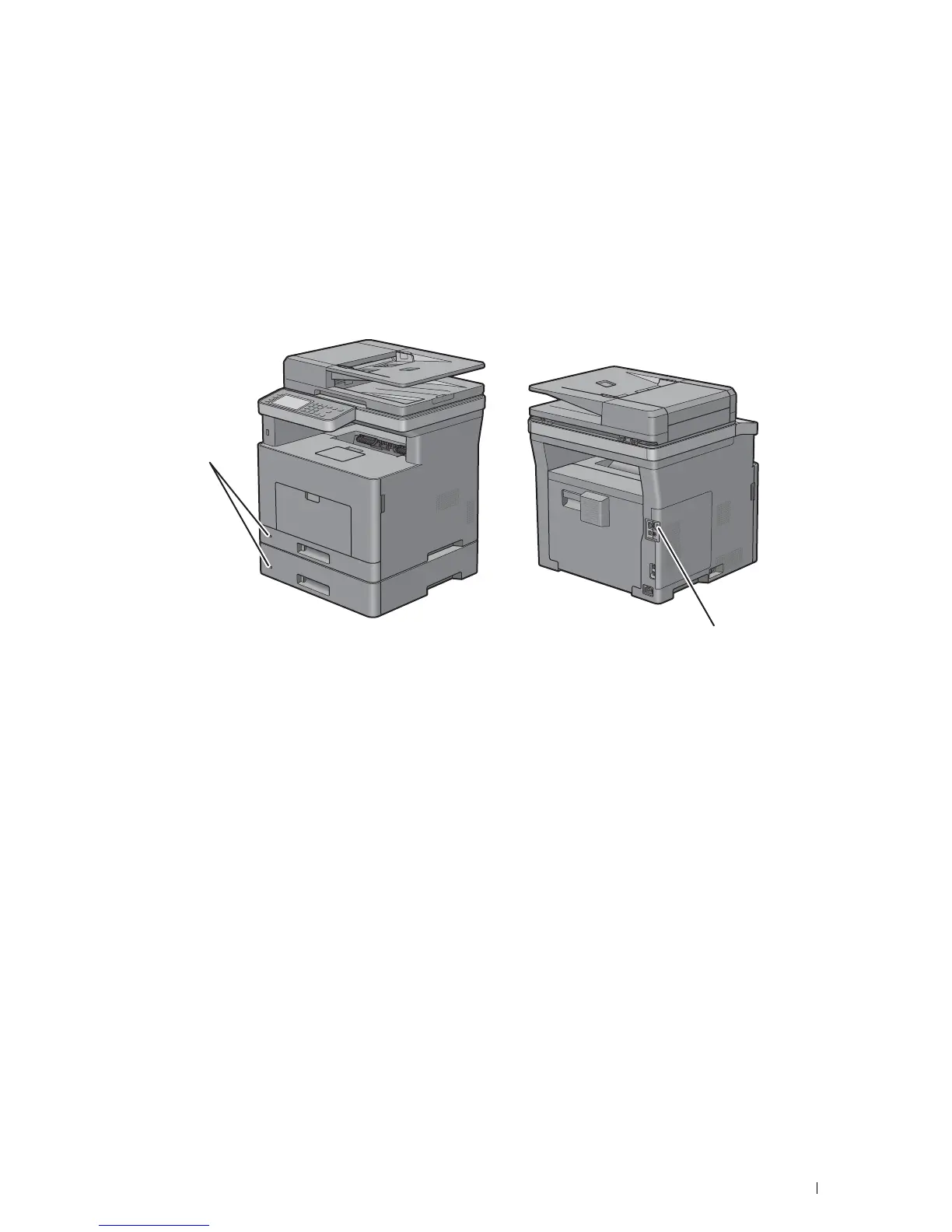
The optional 550-sheet feeder is available for the printer.
To install the optional 550-sheet feeder, refer to the installation instruction that comes with the optional 550-sheet
feeder.
Securing the Printer
To protect your printer from theft, you can use the optional Kensington lock.
Attach the Kensington lock to the security slot on your printer.
For details, see the operating instructions supplied with the Kensington lock.
Ordering Supplies
You can order consumables from Dell online when using a networked printer. Enter the IP address of your printer in
your web browser, launch the Dell Printer Configuration Web Tool, and click the web address under Order Supplies
at: to order toner or supplies for your printer.
For details, see "Ordering Supplies."
Security Slot
Security Slot













 To Next Page