Printing and Scanning Directly From SharePoint
®
381
23
Printing and Scanning Directly From SharePoint
®
You can connect to the SharePoint
®
server directly from the printer to print the documents from the server or to save
the scanned data to the server.
NOTE:
This feature is available on the Dell™ Smart Multifunction Printer | S2815dn only.
NOTE:
Only the PDF and the JPEG files can be browsed, printed, and saved with this feature.
Registering the SharePoint
®
Server
You can register up to 10 servers.
1
Log in to the printer as a registered user using the local authentication.
2
In the
Home
screen, tap
SharePoint
.
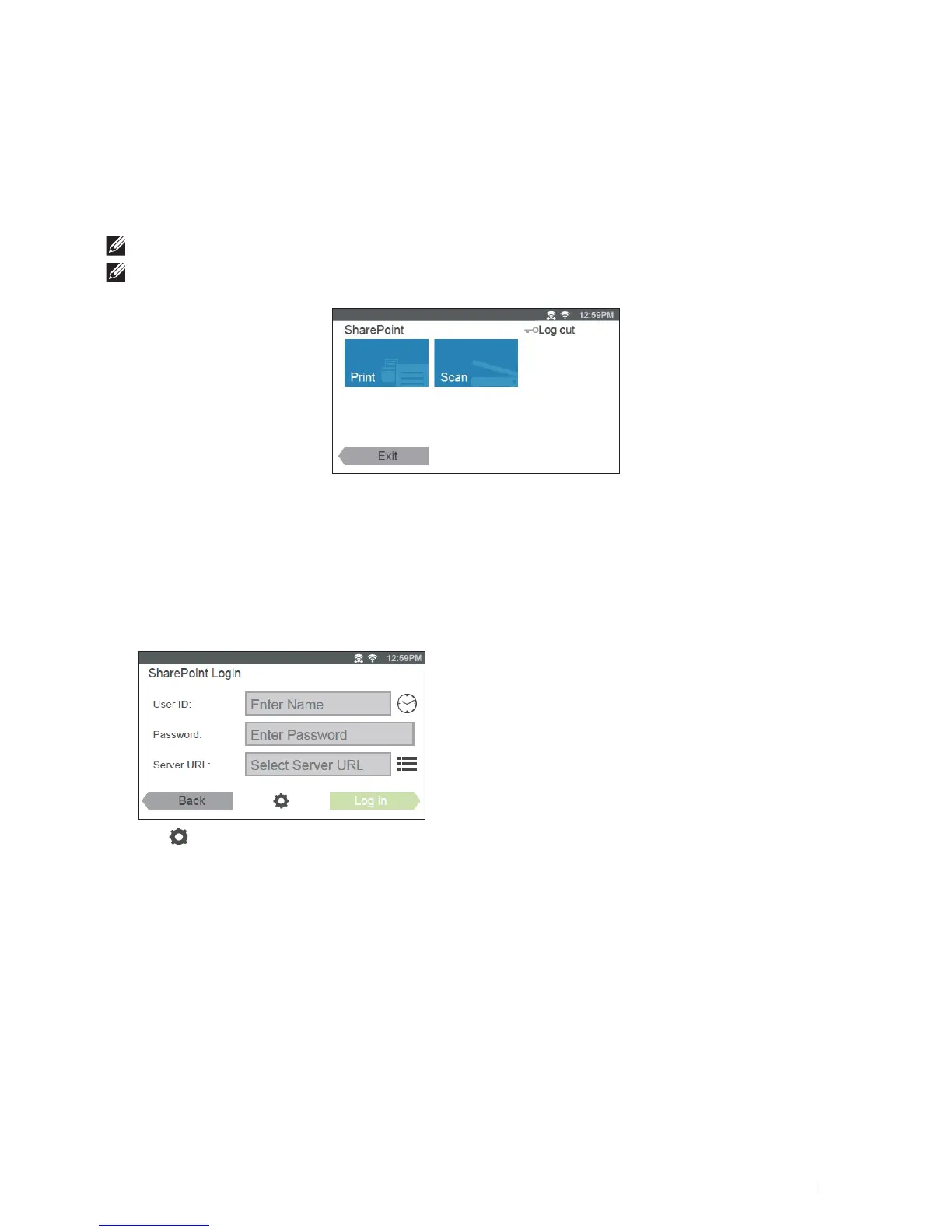
The
SharePoint Login
screen is displayed.
3
Ta p .
The
Configuration
screen is displayed.
4
Ta p t h e
Enter Server URL
box.
5
Enter the server URL, tap
Done
, and then tap +.
To register more SharePoint
®
server URLs, repeat steps 4 and 5.
6
Ta p
Back
.













 To Next Page