Troubleshooting Guide
517
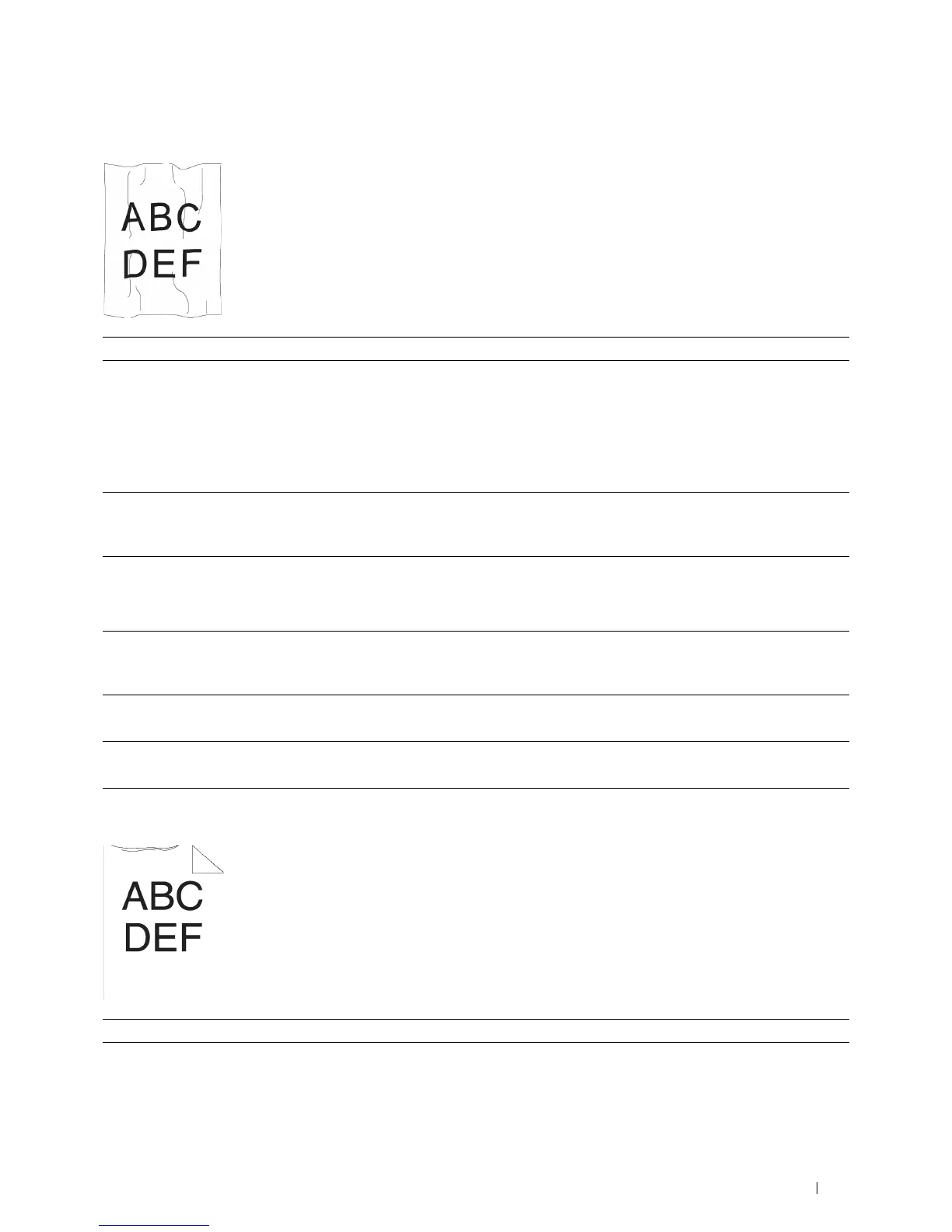
Wrinkled/Stained paper
Damage on the leading edge of paper
Action Yes No
1 Verify that the correct print media is being used. See "Supported Paper
Types." If not, use the print media recommended for the printer.
Does this solve your problem?
The task is complete. If printing on an
envelope, go to action
2.
If printing on print
media other than
envelopes, go to action
5.
2
Ensure that the printer is set to the envelope mode. See "Printing on
Envelopes – Envelope Mode."
Does this solve your problem?
The task is complete. Go to action 3.
3
Check the wrinkle. Is the wrinkle within 30 mm of the four edges of the
envelope?
This type of wrinkle is
considered normal.
Your printer is not at
fault.
Go to action 4.
4
Load the envelopes in the MPF properly. For details, see "Loading
Envelopes in the MPF."
Does this solve your problem?
The task is complete. Go to action 5.
5
Adjust the paper guides properly.
Does this solve your problem?
The task is complete. Go to action 6.
6
Replace the print media with the freshly unpackaged, undamaged one.
Does this solve your problem?
The task is complete. Contact Dell.
Action Yes No
1
Adjust the paper guides properly.
Does this solve your problem?
The task is complete. Go to action 2.













 To Next Page