356
Faxing
Adjusting the Document Contrast
You can adjust the contrast of the fax document to be lighter or darker than the original.
1
Load the document(s) facing up with top edge in first into the DADF.
OR
Place a single document facing down on the document glass, and close the document cover.
For details about loading a document, see "Loading an Original Document."
2
Press the
(Home)
button.
3
Ta p
Fax
.
4
Ta p
.
5
Ta p
Darken/Lighten
.
6
Drag the desired level on the
Darken/Lighten
bar, and then tap
OK
.
You can select a contrast level from seven levels between
Darken
and
Lighten
.
Drag the indicator on the left side of the bar makes the document contrast lighter, and selecting a cell on the right
side of the bar makes the document contrast darker.
* Denotes the factory default setting.
Sending a Fax From Memory
1
Load the document(s) facing up with top edge in first into the DADF.
OR
Place a single document facing down on the document glass, and close the document cover.
For details about loading a document, see "Loading an Original Document."
2
Press the
(Home)
button.
3
Ta p
Fax
.
4
Adjust the document resolution to suit your fax needs. (For details, see "Adjusting the Document Resolution." For
adjusting the contrast, see "Adjusting the Document Contrast.")
5
To select a fax number, do one of the following:
•Tap
Phone Book
, and then select one of the following:
Individuals:
Select an individual fax number and then tap
Done
.
Groups:
Select a group dial number and then tap
Done
.
Network Phone Book:
Search and select a fax number from the LDAP server and then tap
Search
.
NOTE:
For more information on address book and server address book, see "Address Book Editor (for Microsoft
®
Windows
®
and OS X)."
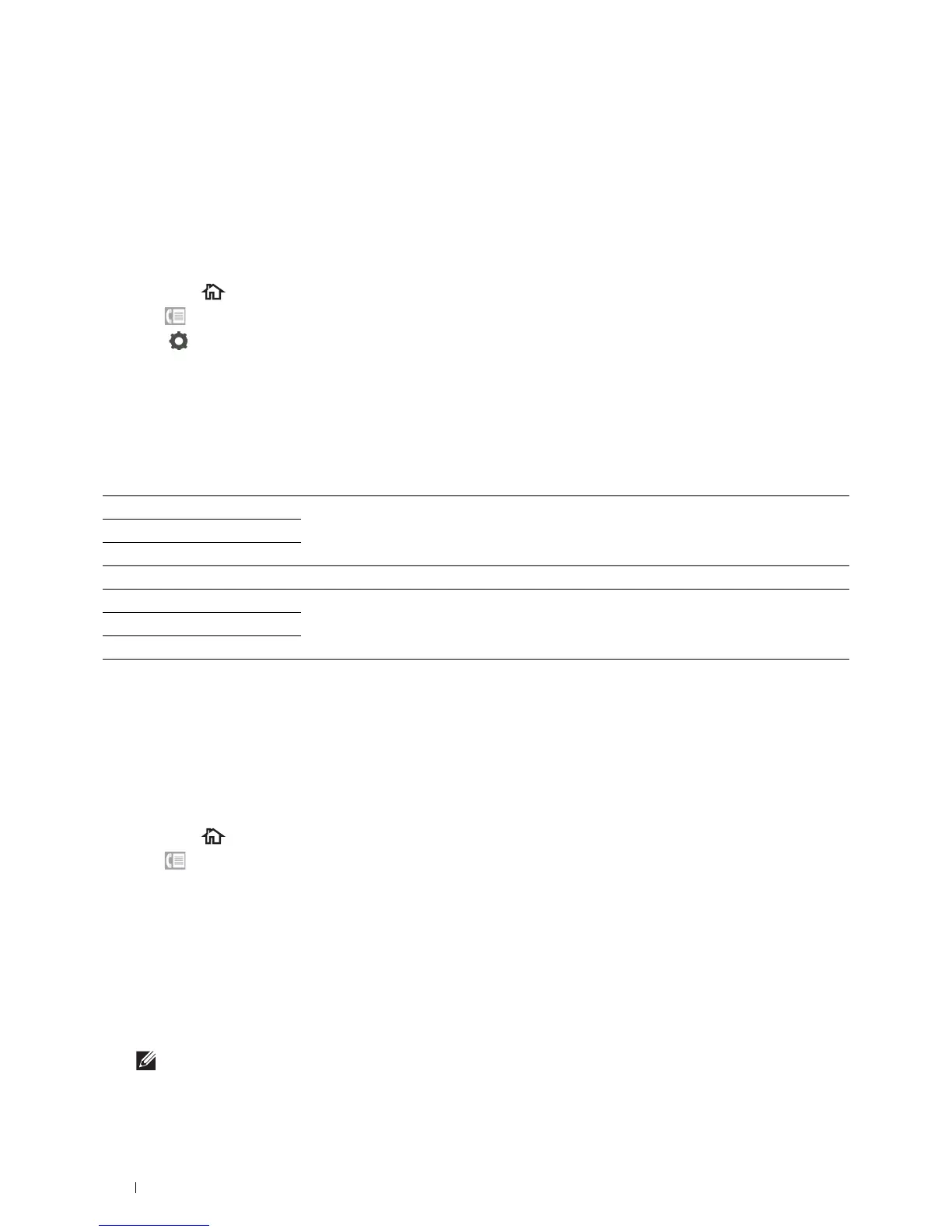
Darken 3 Works well with light documents or faint pencil markings.
Darken 2
Darken 1
Normal* Works well with standard typed or printed documents.
Lighten 1 Works well with dark documents.
Lighten 2
Lighten 3













 To Next Page