326
Scanning
Scanning to a PC or Server via SMB/FTP
NOTE:
This feature does not require a network scan driver.
Overview
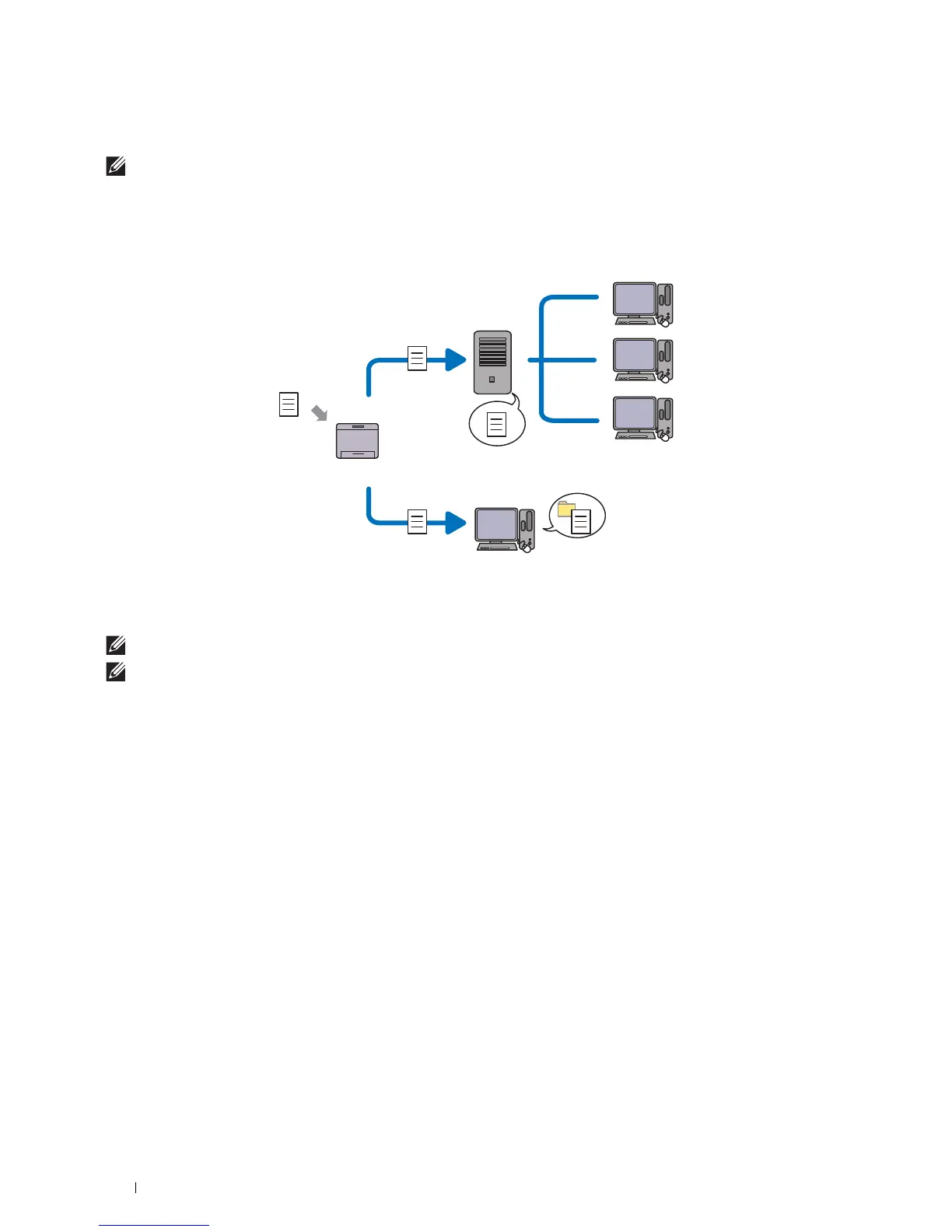
The Scan to Network Folder feature allows you to send the scanned documents to a computer or FTP server.
Required operating systems:
For FTP:
NOTE:
For information on how to configure the FTP service, refer to the manual provided with the software.
NOTE:
Microsoft
®
Windows Server
®
2003, Windows Vista
®
, and Mac OS X
10.5 support IPv4 only.
• Microsoft
®
Windows Server
®
2003 Service Pack 1
FTP service of Microsoft
®
Internet Information Services 6.0
• Microsoft
®
Windows Vista
®
Microsoft
®
Windows Server
®
2008
FTP service of Microsoft
®
Internet Information Services 7.0
• Microsoft
®
Windows
®
7
Microsoft
®
Windows Server
®
2008 R2
FTP service of Microsoft
®
Internet Information Services 7.5
• Microsoft
®
Windows
®
8
Microsoft
®
Windows Server
®
2012
FTP service of Microsoft
®
Internet Information Services 8.0
• Microsoft
®
Windows
®
8.1
Microsoft
®
Windows Server
®
2012 R2
FTP service of Microsoft
®
Internet Information Services 8.5
• Microsoft
®
Windows
®
10
FTP service of Microsoft
®
Internet Information Services 10
Scan
Using FTP
Using SMB
FTP Server
Computer
Computer













 To Next Page