272
Loading Print Media
4
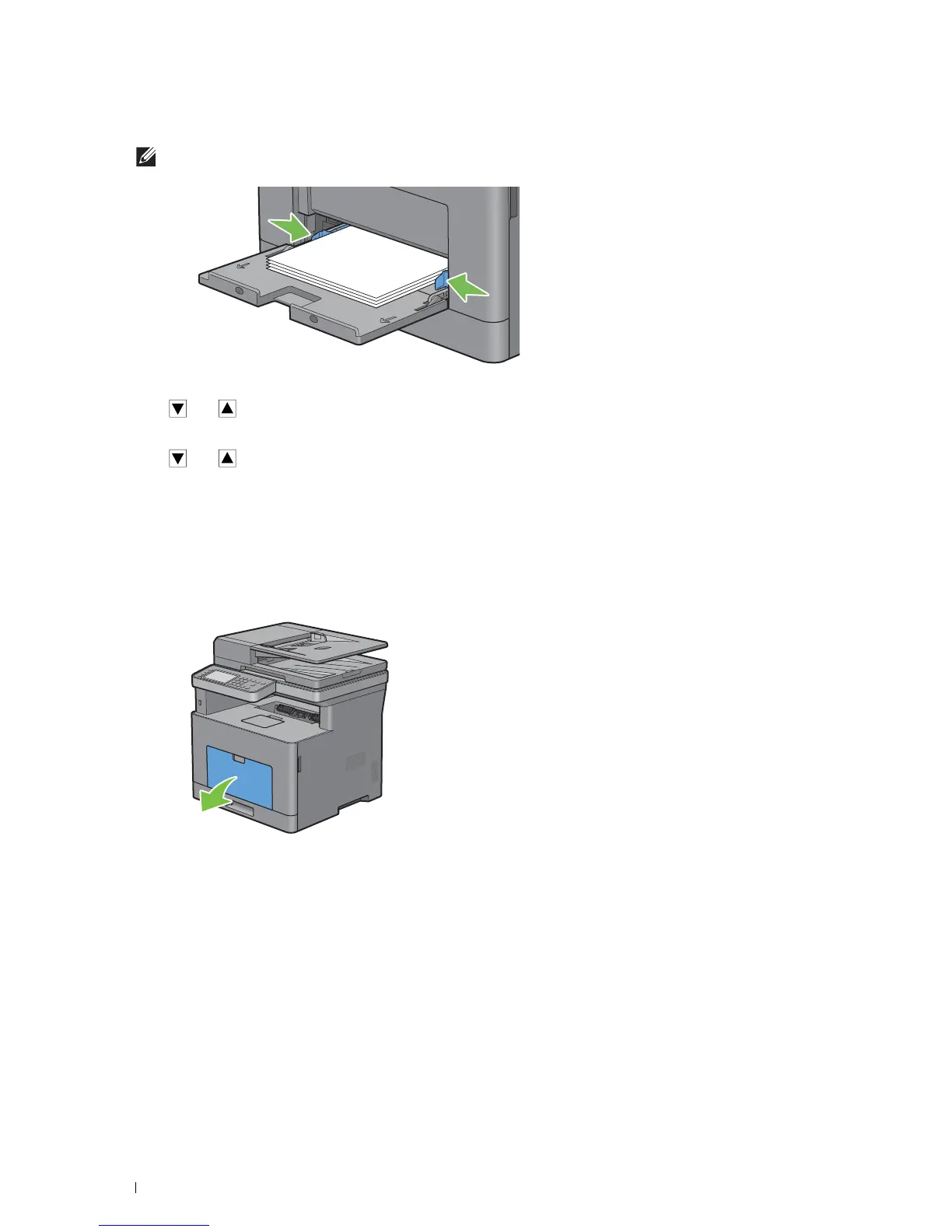
Slide both width guides until they rest lightly against the edge of the print media stack.
NOTE:
Do not force the print media into the MPF.
5
On the touch panel, tap
Size
.
6
Ta p or
until the desired paper size appears, and then select the size.
7
Ta p
Type
.
8
Ta p or
until the desired paper type appears, and then select the type.
9
Ta p
OK
.
Loading Small Print Media in the MPF
When loading small print media such as monarch envelope or the user-specified print media whose feed direction
length is 191.6 mm or less in the MPF, remove the MPF from the printer.
1
Gently pull open the MPF cover.













 To Next Page