Operator Panel
115
13
Operator Panel
About the Operator Panel
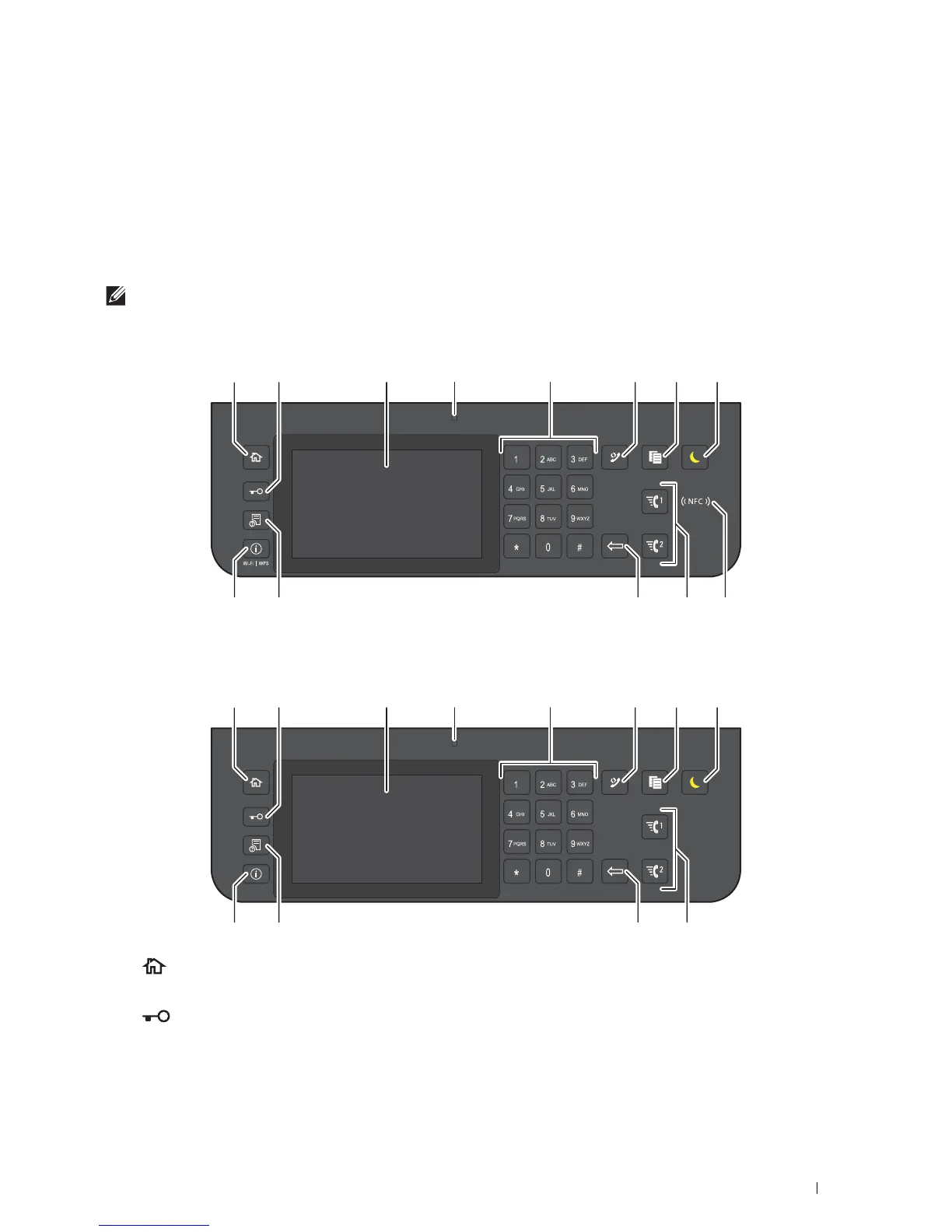
The operator panel has a touch panel, a ready/error LED, control buttons, and a number pad, which allows you to
control the printer.
NOTE:
The images used in this manual are those of the Dell™ Cloud Multifunction Printer | H815dw unless otherwise mentioned.
Dell™ Cloud Multifunction Printer | H815dw
Dell Smart Multifunction Printer | S2815dn
1
(Home)
button
• Moves to the
Home
screen.
2
(
Login/Logout
) button
• Allows the user to log out.
1345762
11 91213
8
10
1345762
111214
8
10













 To Next Page