480
Clearing Jams
Clearing Paper Jams From the Fusing Unit
NOTE:
To resolve the error displayed on the touch panel, you must clear all print media from the print media path.
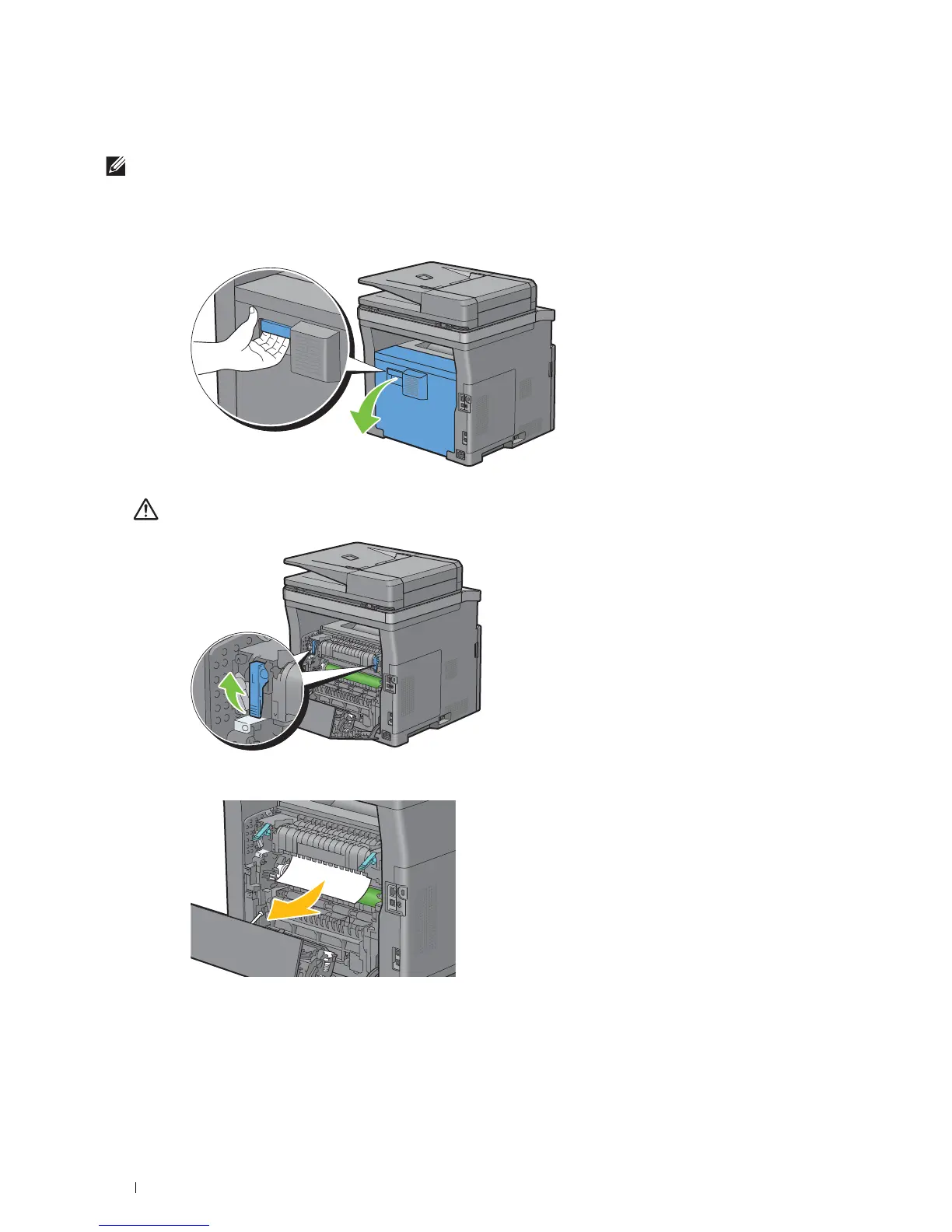
If status code: 050-130 appears:
1
Pull the rear cover handle to open the rear cover.
2
Lift the levers on both sides of the fusing unit.
WARNING:
The fusing unit is hot. Do not touch it, doing so may cause burns.
3
If the document is jammed under the fusing unit, remove the jammed document from under the fusing unit.













 To Next Page