Troubleshooting Guide
505
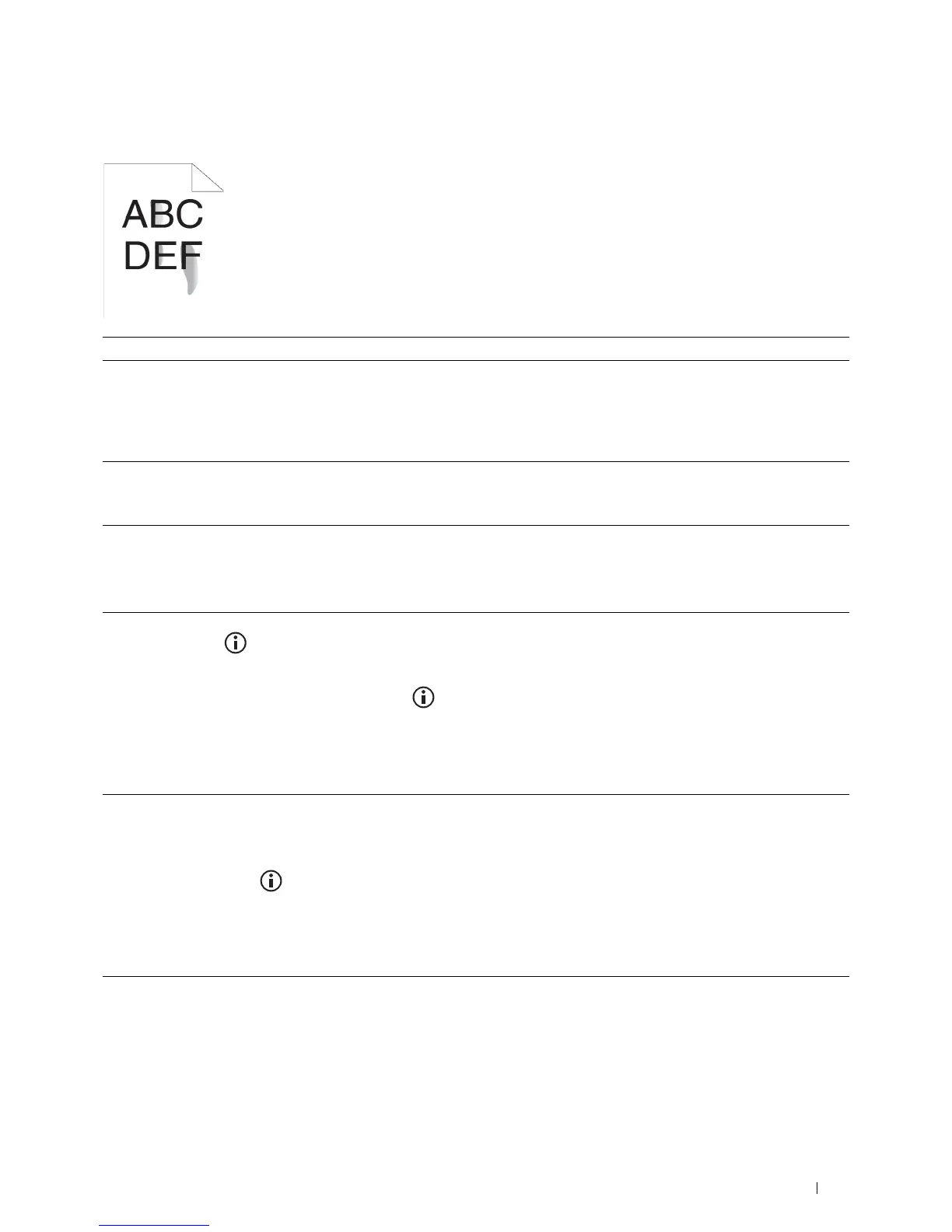
Toner smears or print comes off
Action Yes No
1 The print media surface may be uneven. Try changing the Paper Type
setting in the printer driver. For example, change the plain paper to
thick.
a
On the
General
tab, change the
Paper Type
setting.
Does this solve your problem?
The task is complete. Go to action 2.
2
Verify that the correct print media is being used. See "Supported Paper
Types." If not, use the print media recommended for the printer.
Does this solve your problem?
The task is complete. Go to action 3.
3
Replace the drum cartridge.
a
Replace the drum cartridge. See "Replacing the Drum Cartridge."
b
After you replace the drum cartridge, test print your document again.
Does this solve your problem?
The task is complete. Go to action 4.
4
Clean the transfer unit.
a
Press the
(Information)
button and tap the
Tools
tab
tap
Admin Settings
Maintenance
Clean
Transfer Unit
.
b
After you clean the transfer unit, press the
(Information)
button and tap
Report/List
.
c
Ta p
Demo Page
.
The demo page is printed.
Does this solve your problem?
The task is complete. Go to action 5.
5
Replace the fusing unit, the transfer unit, and the retard roller.
a
Replace the fusing unit, the transfer unit, and the retard roller. See
"Replacing the Fusing Unit, the Transfer Unit, and the Retard Roller."
b
After you replace the fusing unit, the transfer unit, and the retard
roller, press the
(Information)
button and tap
Report/List
.
c
Ta p
Demo Page
.
The demo page is printed.
Does this solve your problem?
The task is complete. Contact Dell.













 To Next Page