354
Faxing
Sending a Fax
You can fax data from your printer. You can also directly fax data transferred from the computer running a
Microsoft
®
Windows
®
operating system or OS X.
Loading an Original Document
You can use the DADF or the document glass to load an original document for faxing. Using the DADF, you can load
up to 50 sheets of 75 g/m
2
(20 lb) paper at a time. Using the document glass, you can load one sheet at a time.
NOTE:
To get the best scan quality, especially for grayscale images, use the document glass instead of the DADF.
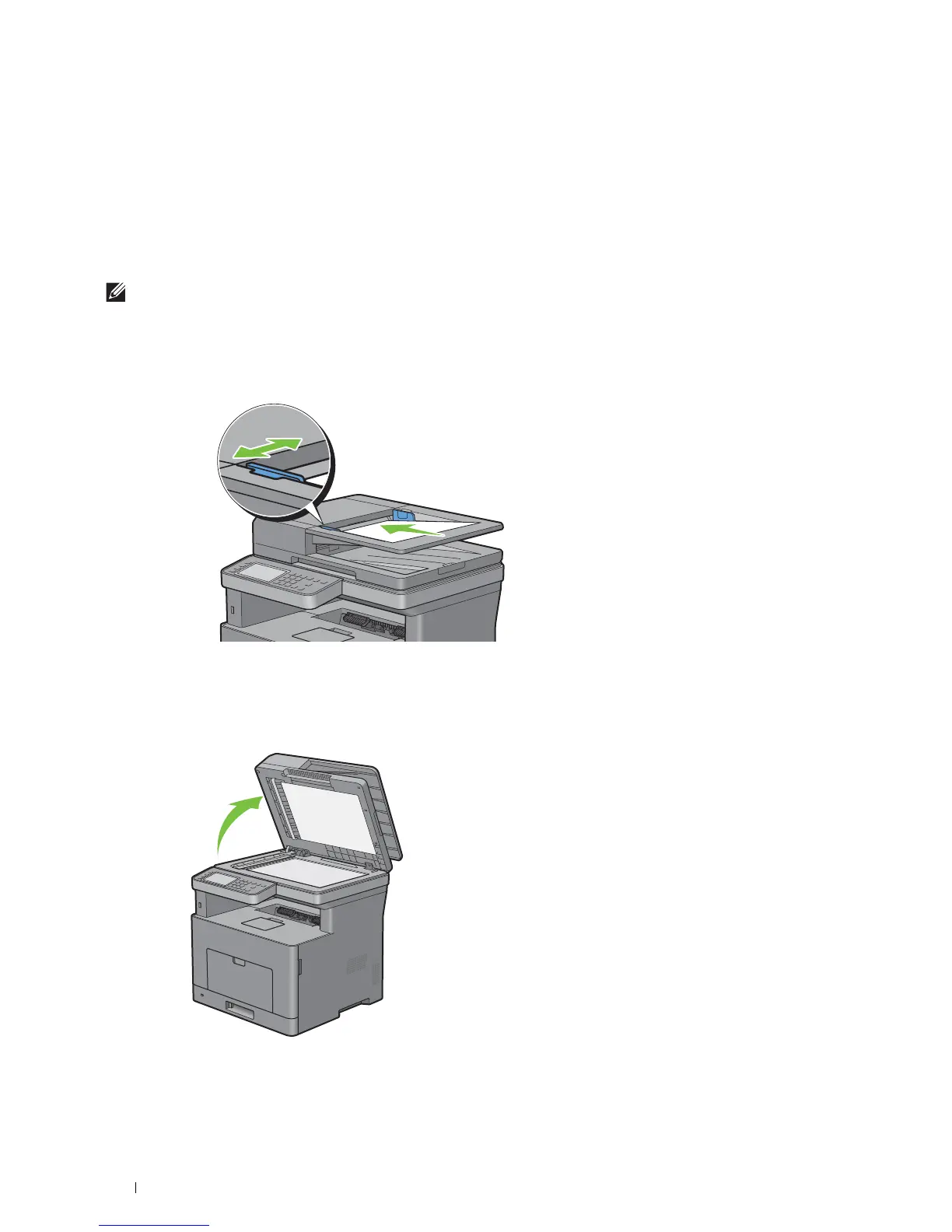
To fax a document using the Duplex Automatic Document Feeder (DADF):
1
Place the document(s) facing up on the DADF with the top edge of the documents in first. Then adjust the
document guides to the correct document size.
2
Adjust the document resolution. (For details, see "Adjusting the Document Resolution.")
To fax a document from the document glass:
1
Open the document cover.













 To Next Page