Troubleshooting Guide
515
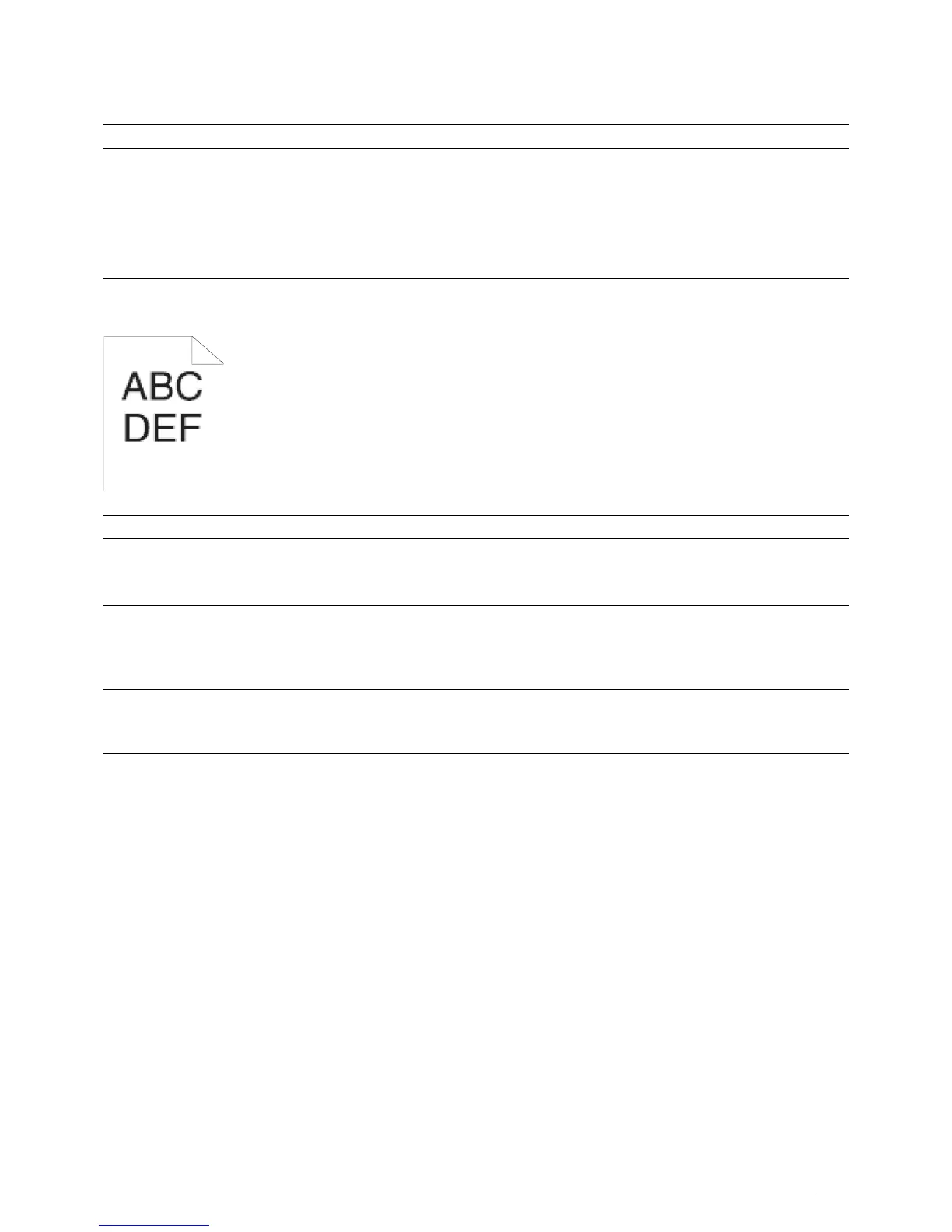
Jagged characters
2 Replace the drum cartridge.
a
Replace the drum cartridge. See "Replacing the Drum Cartridge."
b
Click
Reports
on the
Printer Setting Reports
tab.
c
Click
Demo Page
.
The demo page is printed.
Does this solve your problem?
The task is complete. Contact Dell.
Action Yes No
1
Set
Screen
to
Fineness
in the printer driver.
a
On the
Graphics
tab, set
Screen
to
Fineness
.
Does this solve your problem?
The task is complete. Go to action 2.
2
Enable
Print Page Mode
in the printer driver.
a
On the
Others
tab, set
Print Page Mode
under
Image Options:
to
On
.
Does this solve your problem?
The task is complete. Go to action 3.
3
If using a downloaded font, ensure that the font is recommended for the
printer, operating system, and the application being used.
Does this solve your problem?
The task is complete. Contact Dell.
Action Yes No













 To Next Page