510
Troubleshooting Guide
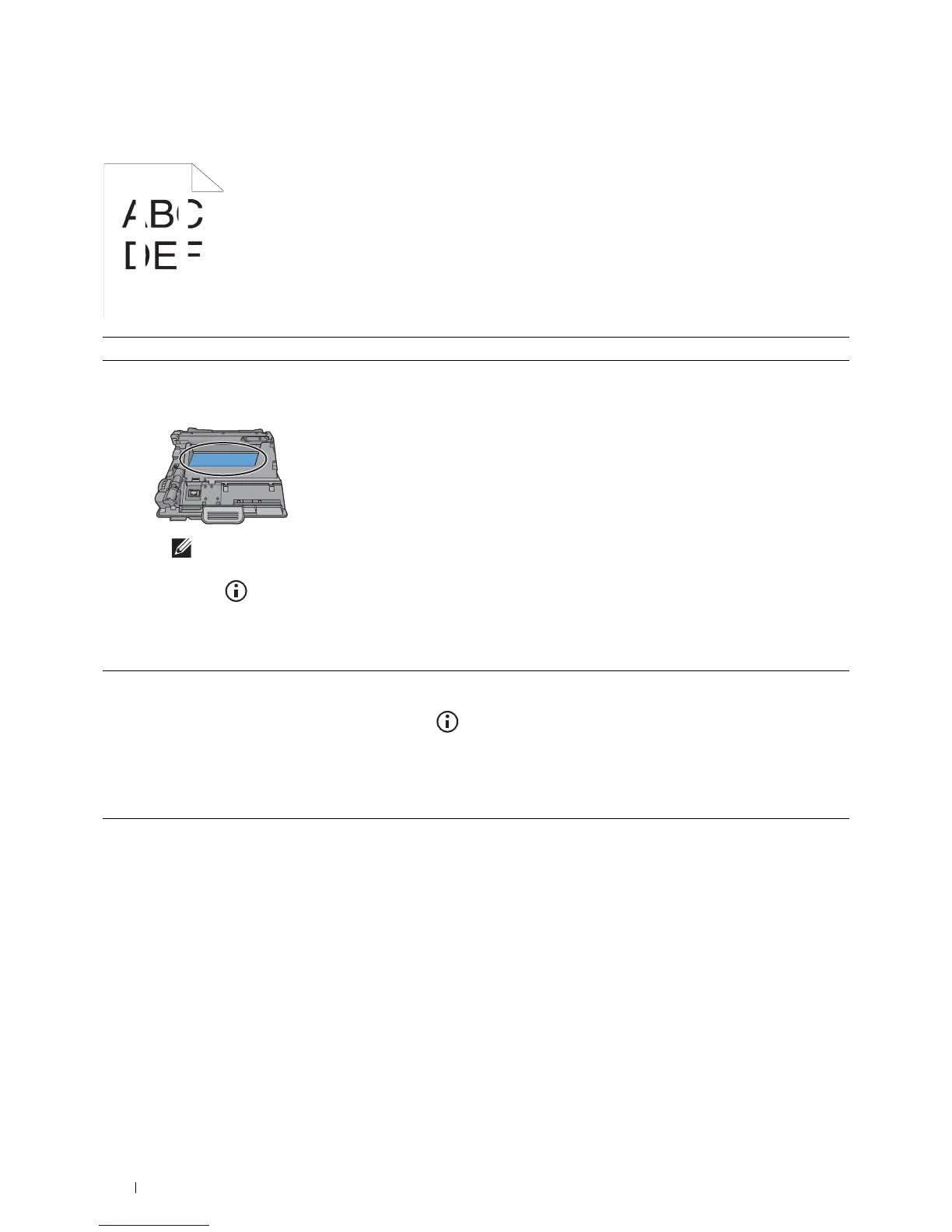
Vertical blanks
Action Yes No
1 Ensure the light path is not covered.
a
Remove the drum cartridge, and keep it in the dark place.
b
Clean the rear side of the drum cartridge with a dry cloth.
NOTE:
Be careful not to touch or damage the drum.
c
Re-install the drum cartridge.
d
Press the
(Information)
button and tap
Report/List
.
e
Ta p
Demo Page
.
The demo page is printed.
Does this solve your problem?
The task is complete. Go to action 2.
2
Replace the drum cartridge.
a
Replace the drum cartridge. See "Replacing the Drum Cartridge."
b
After you replace the drum cartridge, press the
(Information)
button and tap
Report/List
.
c
Ta p
Demo Page
.
The demo page is printed.
Does this solve your problem?
The task is complete. Contact Dell.













 To Next Page