Faxing
359
Procedure
NOTE:
The names of the dialog boxes and the buttons may be different from those given in the following procedure depending
on the application you are using.
NOTE:
To use this feature, you must install the fax driver. (For details, see "Starting Dell Printer Easy Install" for Windows
®
or
"Installing the Drivers and Software" for Macintosh.)
1
Open the file you want to send by fax.
2
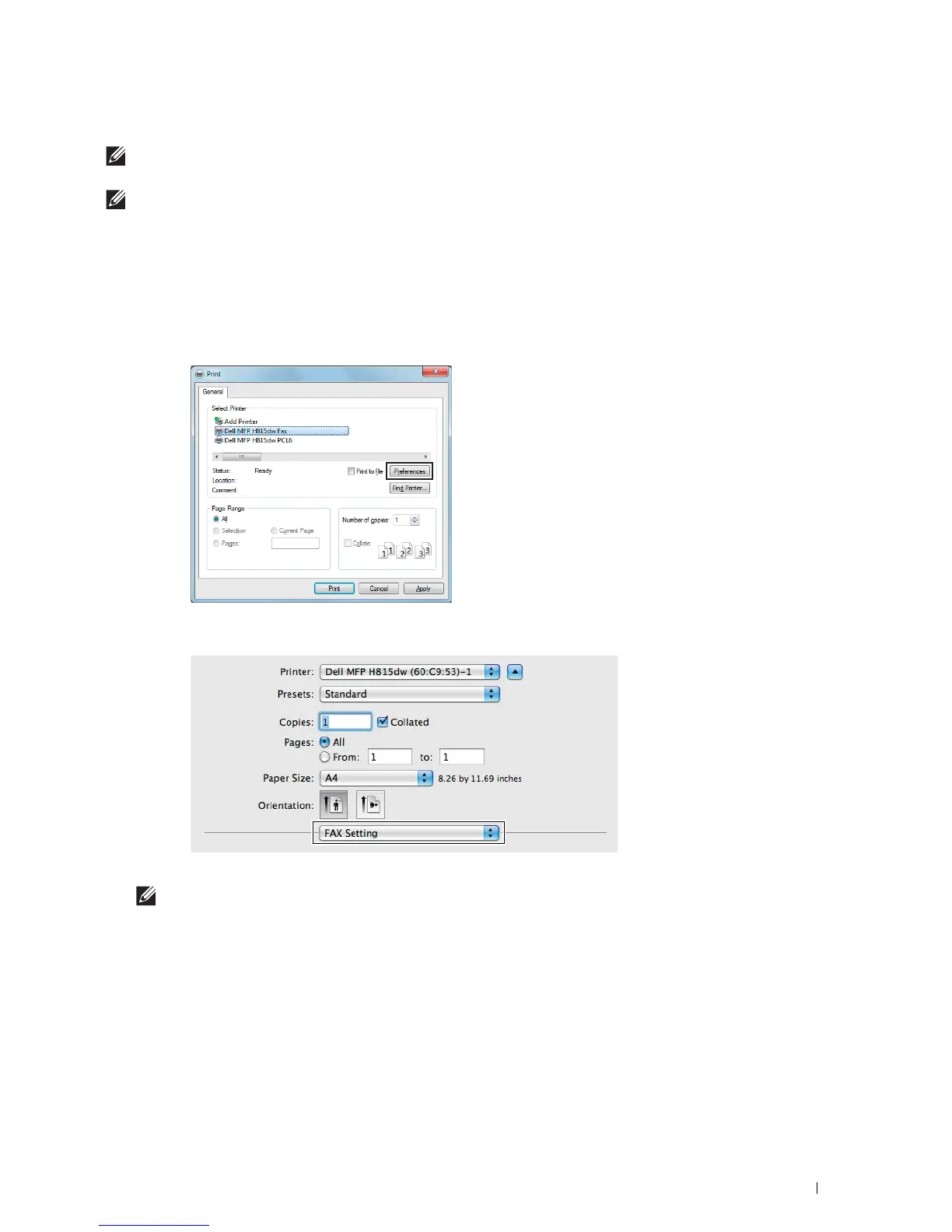
Open the print dialog box from the application, and then select
Dell MFP H815dw Fax or Dell MFP S2815dn
Fax
.
3
Click
Preferences
in Windows
®
, or select
FAX Setting
in Macintosh.
For Microsoft
®
Windows
®
:
For Apple Macintosh:
4
When the setting dialog box appears, specify the following settings.
NOTE:
The settings done here are only applied to a single fax job.













 To Next Page