Clearing Jams
495
4
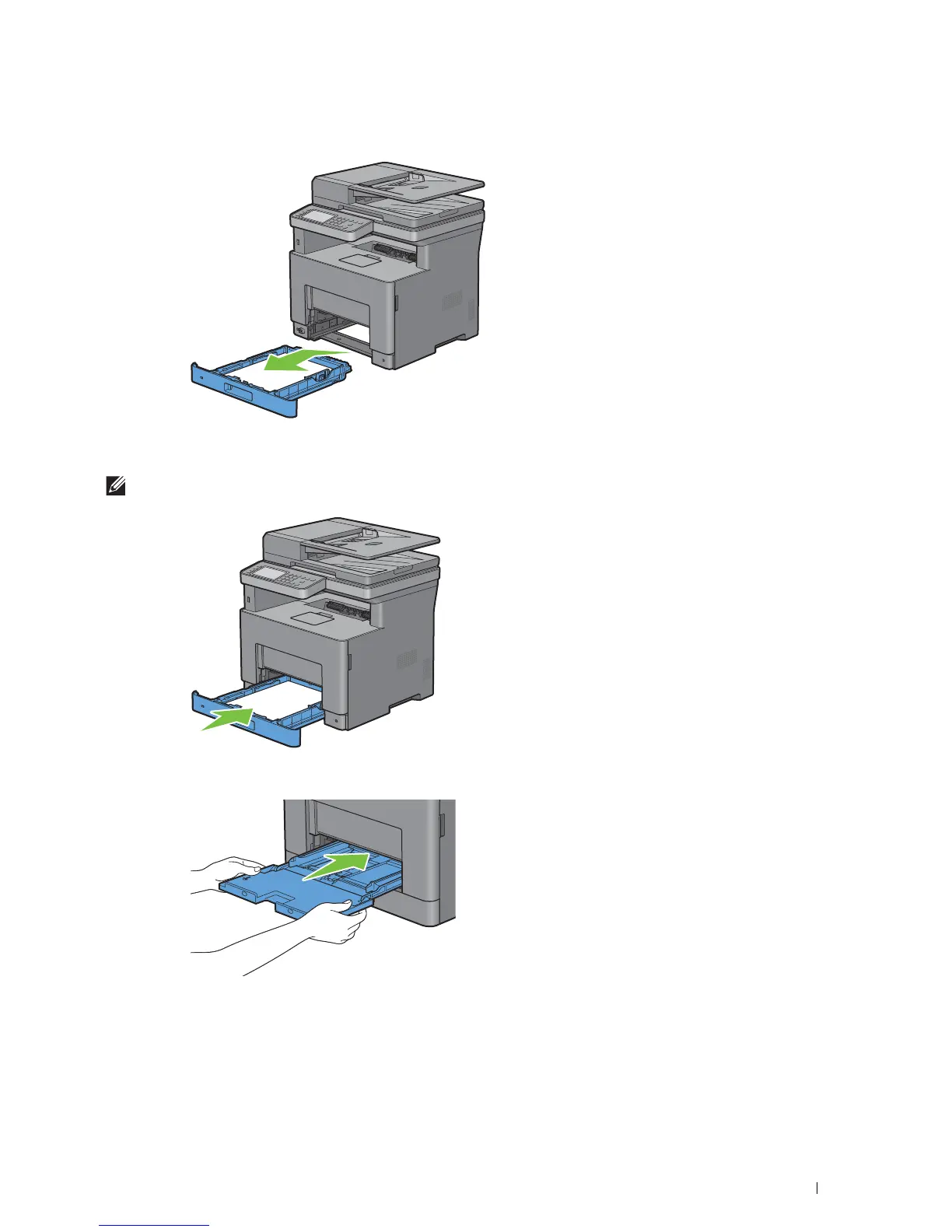
Hold tray1 with both hands, and remove it from the printer.
5
Remove the jammed paper.
6
Insert tray1 into the printer, and push until it stops.
NOTE:
Do not use excessive force on the tray. Doing so could damage the tray or the inside of the printer.
7
Insert the MPF into the printer, push until it stops, and close the MPF.
8
Ta p
OK
on the touch panel.













 To Next Page