Connecting and Setting Up Your Printer
73
3
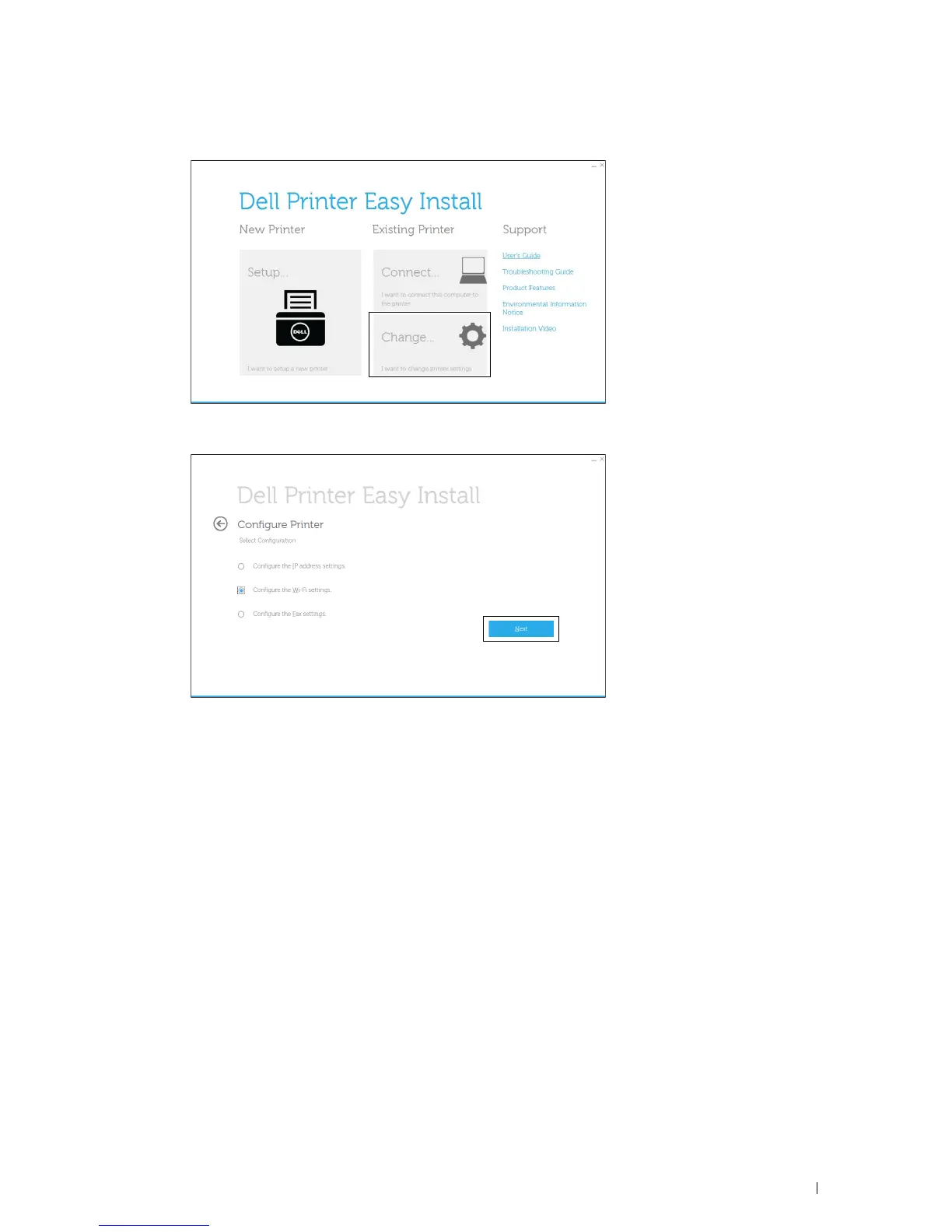
Click
Change
.
4
Select
Configure the Wi-Fi settings
, and then click
Next
.
5
Follow the on-screen instructions, and configure the wireless settings of the printer.
For WPS-PBC, WPS-PIN, Auto SSID Setup, Manual SSID Setup, and Dell Printer Configuration Web Tool, see
the following instructions.













 To Next Page