17. Image quality problem Field Service Ver. 1.0 Apr. 2005
156
ineo 161
ineo 210
Troubleshooting
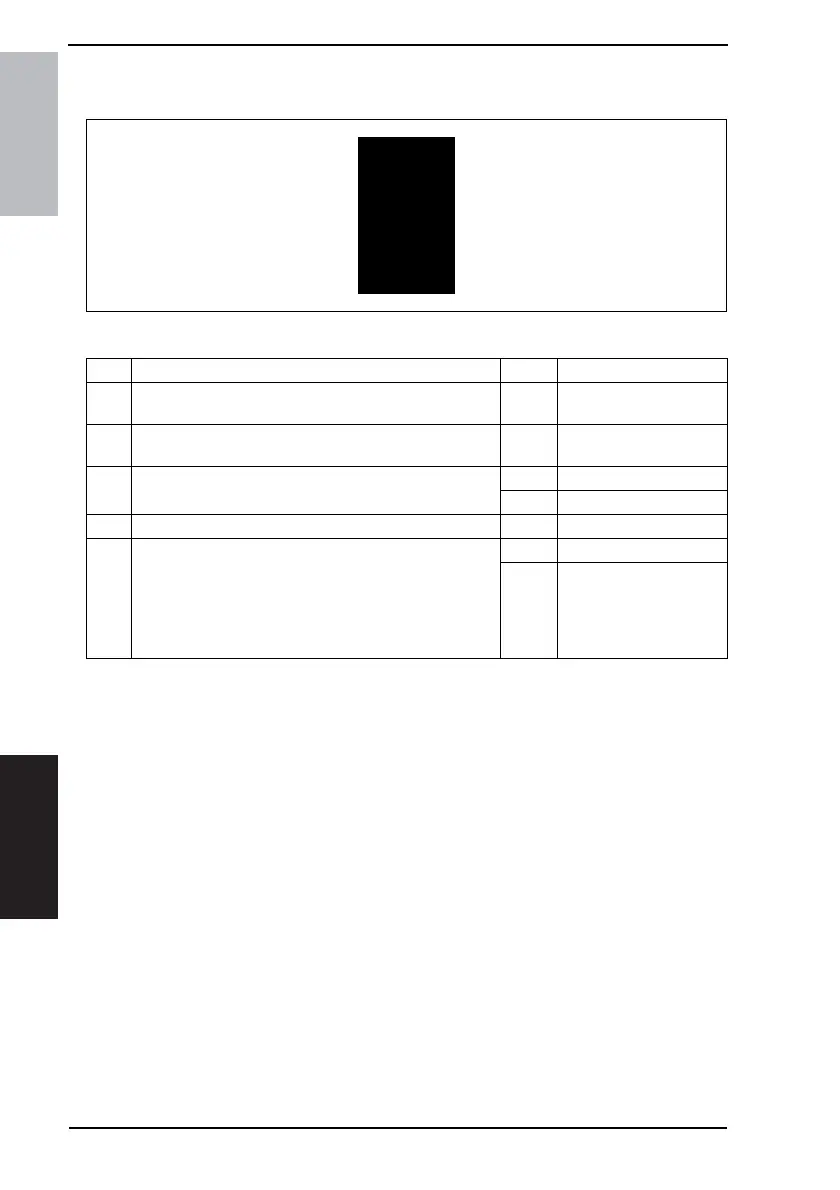
17.2.2 Image Reading Section: black copy
A. Typical Faulty Images
B. Troubleshooting Procedure
4011T036AA
Step Check Result Action
1
Exposure Lamp turns ON when the Power Switch is turned
ON.
NO Go to step 3.
2
Exposure Lamp is abnormally lit (flickers or abnormally
dark) when the Power Switch is turned ON.
NO Go to step 4.
3 Inverter Board (PU2) connector is loose.
YES Reconnect.
NO Change Exposure Lamp.
4 CCD Board (PWB-J) connector is loose. YES Reconnect.
5 Control Board (PWB-C/C) connector is loose.
YES Reconnect.
NO
• Change Inverter Board
(PU2).
• Change CCD Unit.
• Change Control Board
(PWB-C/C).










 To Next Page