Field Service Ver. 1.0 Apr. 2005 17. Image quality problem
167
ineo 161
ineo 210
Troubleshooting
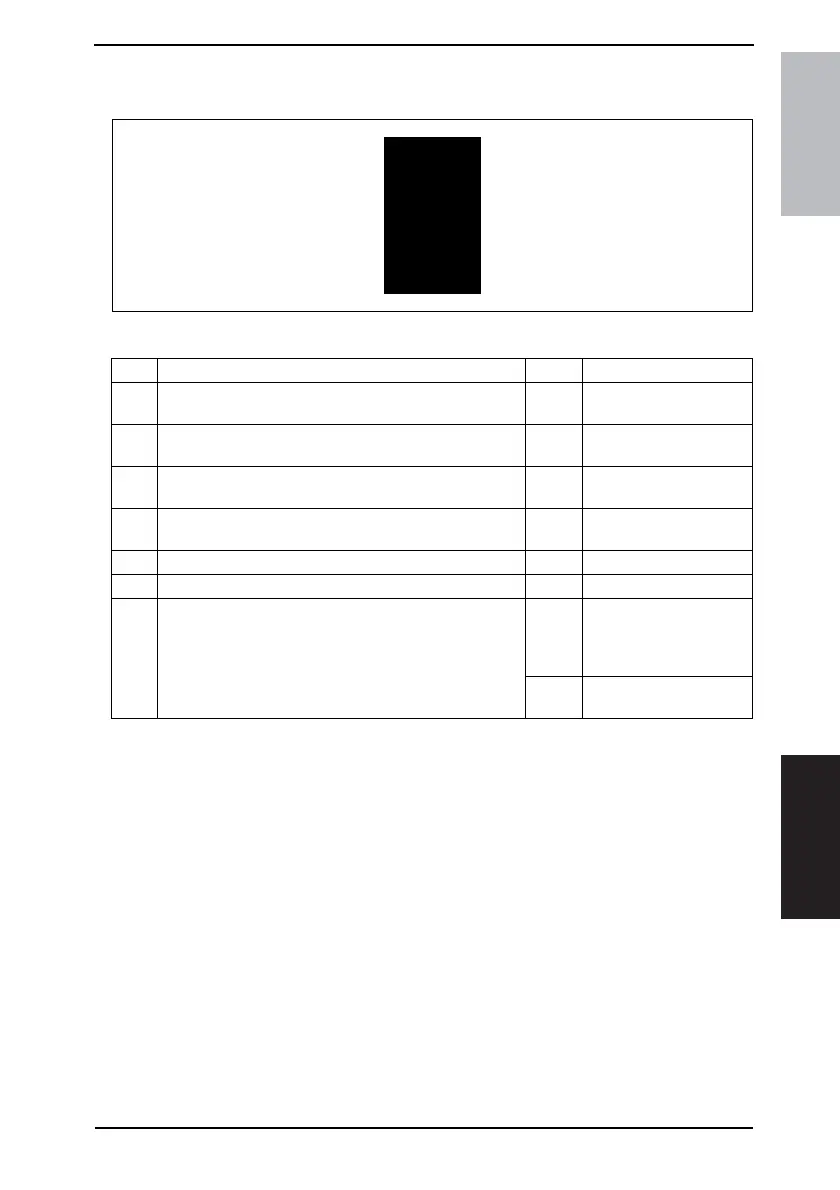
17.2.13 Printer Section: Black copy
A. Typical Faulty Images
B. Troubleshooting Procedure
4011T036AA
Step Check Result Action
1
PC Drum Charge Corona grid mesh and Comb Electrode
are loose.
YES • Reinstall.
2
PC Drum Charge Corona contact is dirty, scratchy, folded,
bent, or damaged.
YES • Correct or change.
3 Grid bias contact is dirty, folded, or bent. YES
• Clean, correct, or
change.
4
PC Drum ground contact is dirty, scratchy, bent, or dam-
aged.
YES
• Clean, correct, or
change.
5 High Voltage Unit (HV1) connectors is loose. YES • Reconnect.
6 The PH Unit cable is loose. YES • Reconnect.
7
The following voltage is supplied from the Master Board
(PWB-A).
<Check procedure>
Check that there is 24 V developing across the Master
Board pin and GND when the Power Switch is turned ON
(during a copy cycle or a standby state).
YES
• Change IU.
• Change PH Unit.
• Change High Voltage
Unit (HV1).
NO
• Change Master Board
(copier: PWB-A).










 To Next Page