17. Image quality problem Field Service Ver. 1.0 Apr. 2005
174
ineo 161
ineo 210
Troubleshooting
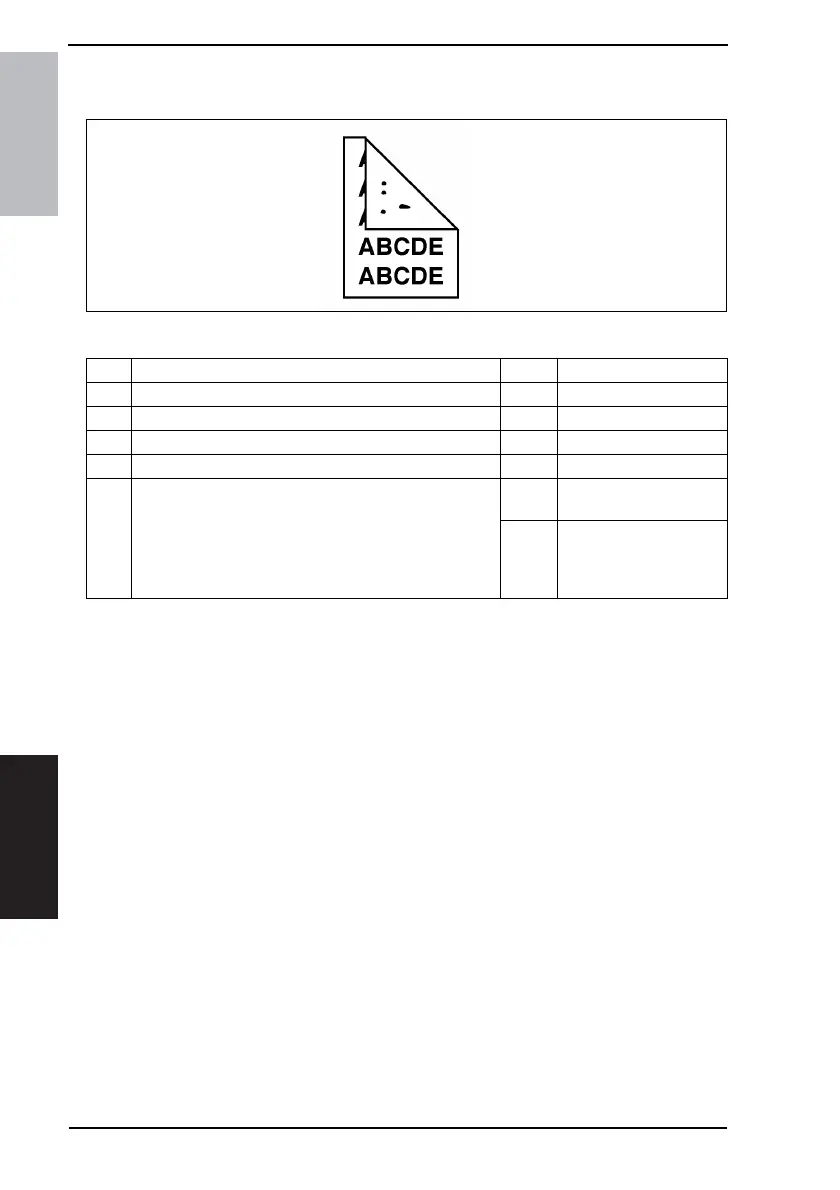
17.2.20 Printer Section: Smear on back
A. Typical Faulty Images
B. Troubleshooting Procedure
4011T009AA
Step Check Result Action
1 Toner is spilled over area inside copier. YES • Clean interior.
2 Toner is present along the paper path. YES • Clean.
3 Fusing Pressure Roller is dirty, scratchy, or damaged. YES • Clean or change.
4 Image Transfer Roller is dirty. YES • Clean or change.
5
Grid bias contact is dirty, scratchy, deformed, worn, or
damaged.
YES
• Clean, correct, or
change.
NO
• Change High Voltage
Unit (HV1).
• Change Master Board
(PWB-A).










 To Next Page