Field Service Ver. 1.0 Apr. 2005 17. Image quality problem
163
ineo 161
ineo 210
Troubleshooting
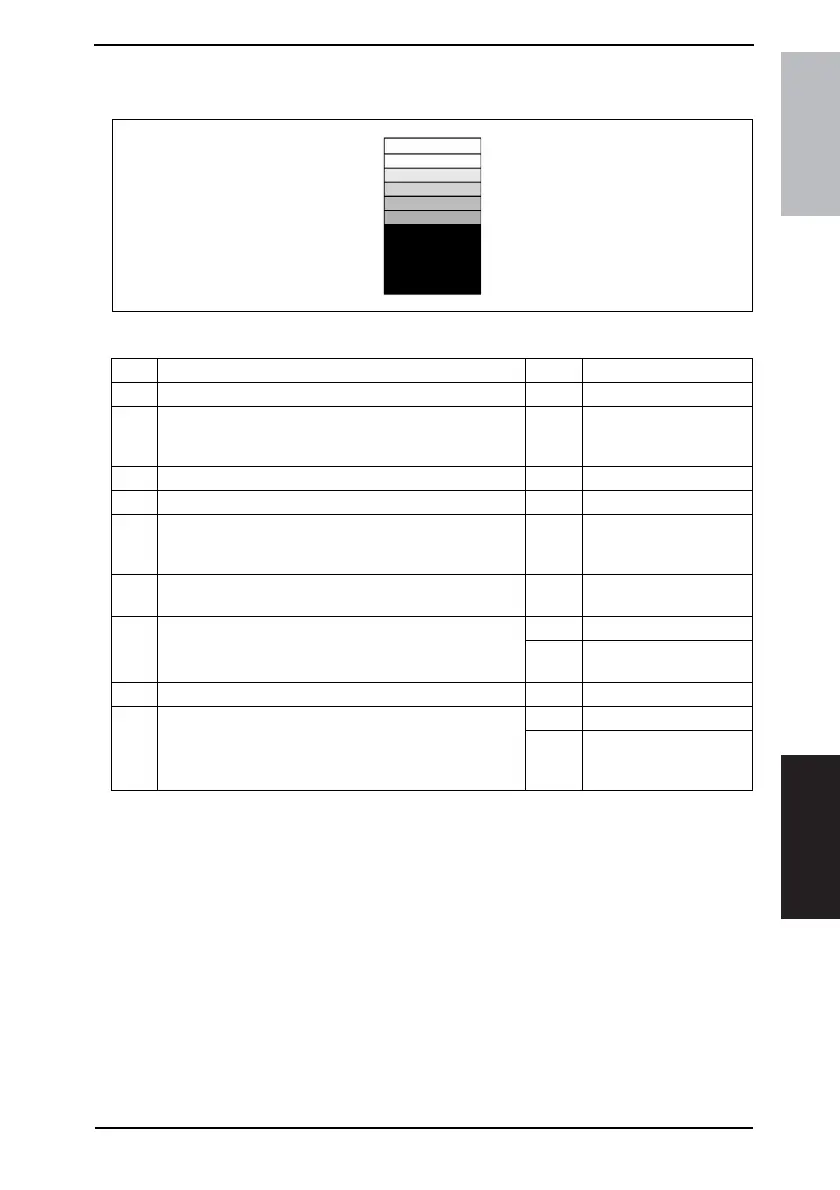
17.2.9 Image Reading Section: Gradation reproduction failure
A. Typical Faulty Images
B. Troubleshooting Procedure
4011T526AA
Step Check Result Action
1 Original Glass is dirty, scratchy, worn, or damaged. YES • Clean or change.
2
Shading sheet reading portion (the portion on the back-
side of the Original Glass to which Original Width Scale is
affixed) is dirty.
YES • Clean.
3 Scanner mirrors are dirty, scratchy, or damaged. YES • Clean or change.
4 Exposure Lamp (LA2) is dirty. YES • Clean or change.
5
CCD Unit lens and CCD surface are dirty or scratchy.
<Check Procedure>
Remove lens cover to check for possible contamination.
YES • Clean or change.
6
Exposure Lamp is abnormally lit (flickers or abnormally
dark) when the Start key is pressed.
NO • Go to step 8.
7 Inverter Board (PU2) connector CN2PU2 is loose.
YES • Reconnect.
NO
• Change Exposure
Lamp (LA2).
8 CCD Board (PWB-J) connector is loose. YES • Reconnect.
9 Control Board (PWB-C/C) connector is loose.
YES • Reconnect.
NO
• Change CCD Unit.
• Change Control Board
(copier: PWB-C/C).










 To Next Page