Field Service Ver. 1.0 Apr. 2005 3. Periodical check
13
ineo 161
ineo 210
Maintenance
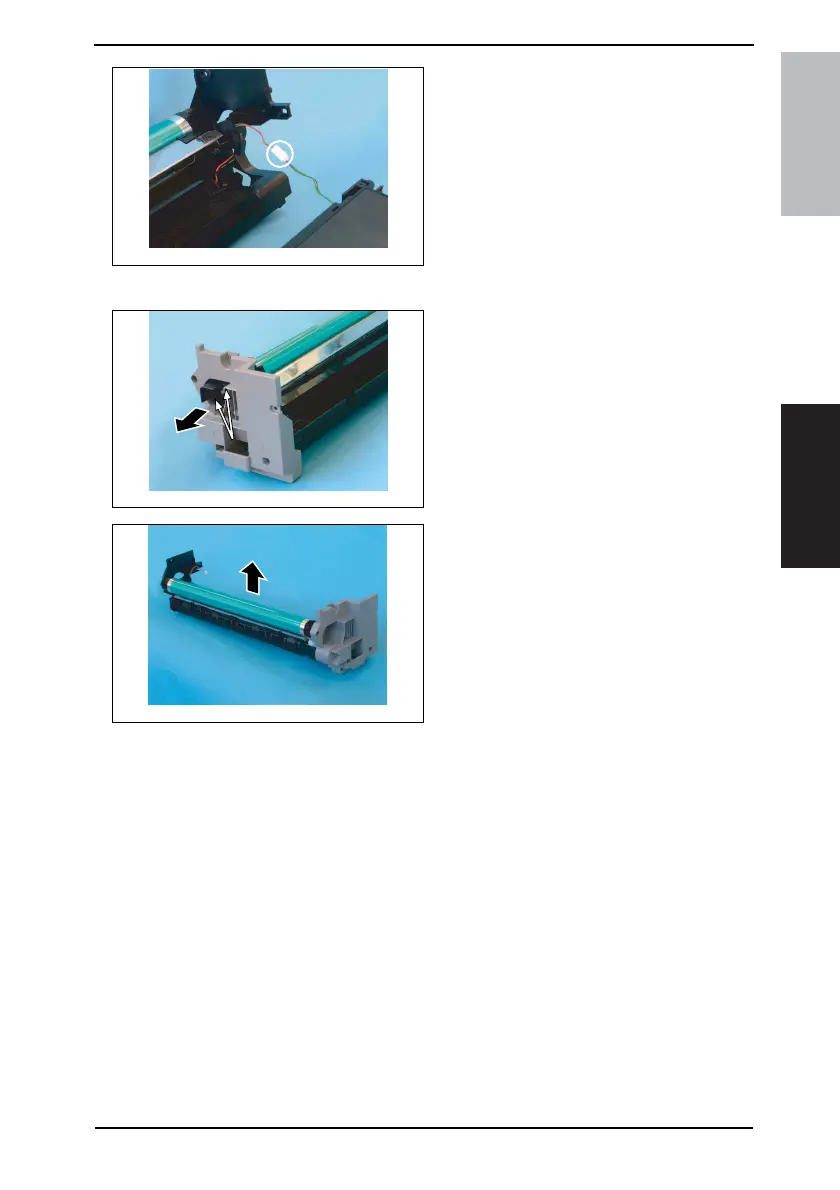
5. Unplug one connector of the Main
Erase.
3.3.5 Replacing the PC Drum
1. Remove two screws and the pivot
shaft.
2. Remove the PC Drum.
NOTE
• Protect the PC Drum that has been
removed with a protective cloth.
• If the PC Drum has been replaced
with a new one, apply a coat of
toner to the surface of the new PC
Drum.
☞ 17
4035D026AA
4035D027AA
4035D028AA










 To Next Page