5. Firmware upgrade Field Service Ver. 1.0 Apr. 2005
24
ineo 161
ineo 210
Maintenance
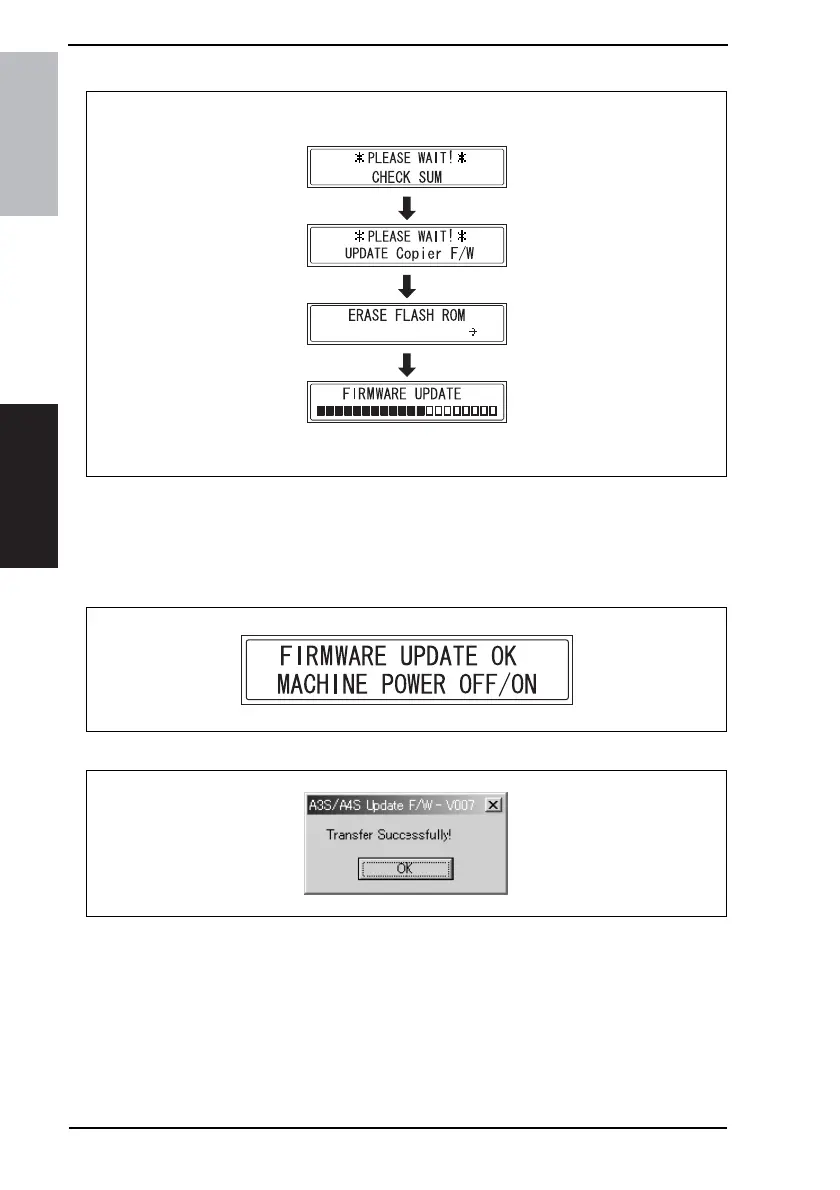
9. Check the Display for status of the firmware upgrading sequence.
NOTE
• NEVER turn OFF and ON the Power Switch as long as the above screens are being
displayed.
10. When the following message appears in the Display, it indicates that upgrading of the
firmware has been completed.
11. Click the [OK] button to quit “A3S/A4S Update F/W-VXXX.”
12. Turn OFF and ON the Power Switch of the copier.
4035D530CA
<PWB-C/C>
4980D051AB
4035D532AA










 To Next Page