Maintenance Manual D900
49-MD900EN05
80
For Self-Service-1 and Self-Service-2 working modes:
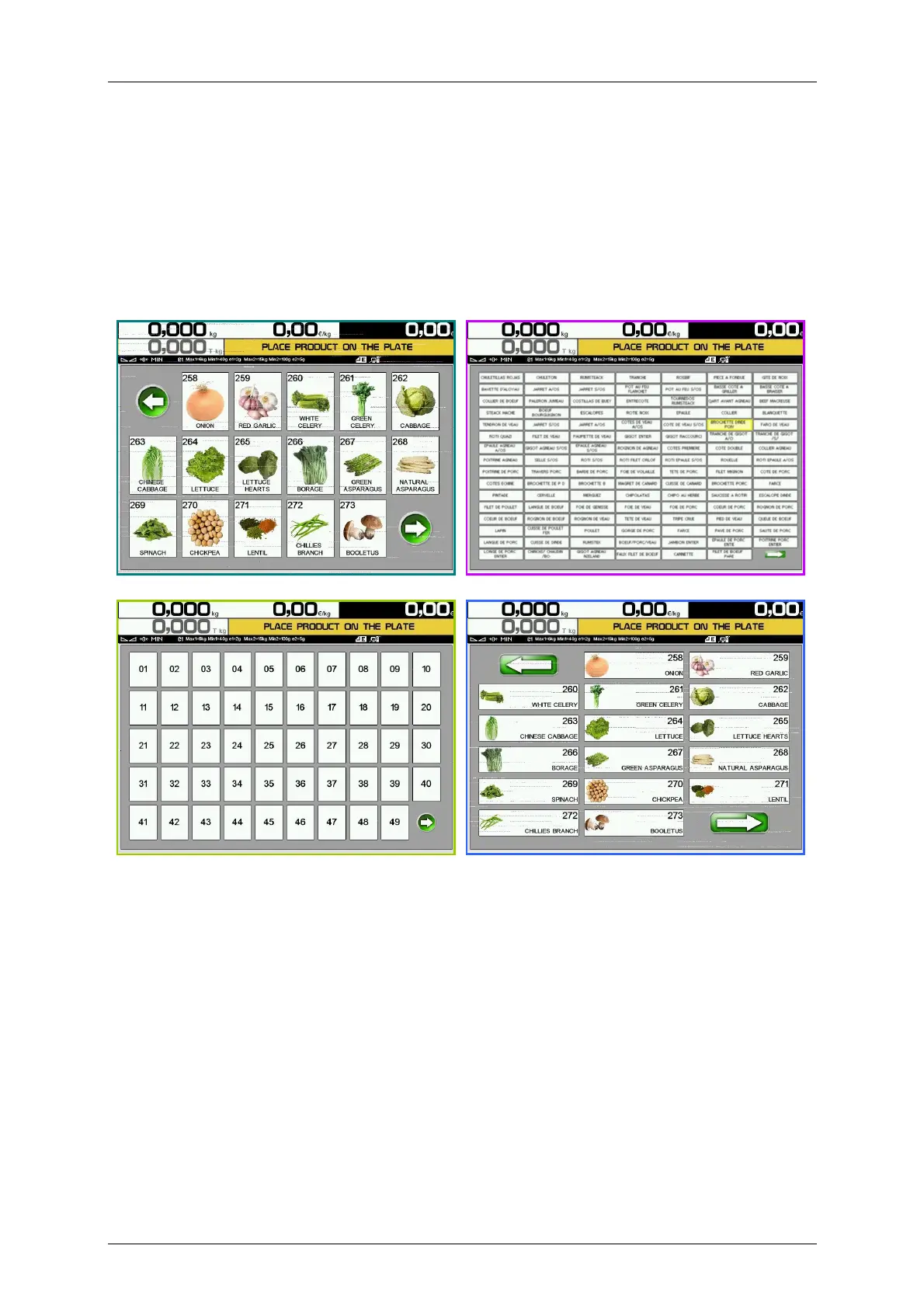
The way to configure the PLU keys when we are working on Self-Service-1 and Self-Service-2 modes is
exactly the same as in assisted sales modes. As in this working modes there are not any function, section
or vendor keys, there is more space available for PLU keys. In the configuration menu, the option Apply to
assisted will be disabled.
We can choose the size of the keys, activate their automatic setup, the frame, PLU number, PLU name,
color image and the orientation of the keys.
Examples:



 To Next Page