7
COMPONENTS DESCRIPTION
68 AXH1157-UK (ENG) L3500 L4700 F7000 [FPT S3A]
• Press the driver's seat reversal pedal, placed
under the operator's seat.
• Keeping the pedal pressed, manually rotate the
driving seat with the help of the handles in the
cab.
• Turn the driver's seat to the stroke end and
release the pedal.
• Make sure the driver's seat is properly secured.
• Lift the power steering reversal lever to make the
steering wheel movements consistent with the
wheels movement. The light and intermittent
acoustic signal will be switched off.
7.1.10 - Multifunction lever
The multifunction lever contains several functions:
direction indicators, horn, headlights turning on,
window wipers and washers.
7.1.10.1 - Direction indicators
Figure: 150402-1
Move the lever (fig. 150402-1):
• Towards yourself to indicate a curve to the right
(R).
• Forward to indicate a curve to the left (L).
The indicators only work when the ignition switch is in
the position of instrumentation on.
The indicator light “1” on the central instrument panel
will activate the direction indicators.
ATTENTION
Push the multifunction lever in stand-by position
after making the turn, return to the neutral
position is not automatic.
7.1.10.2 - Horn
Figure: 150403-1
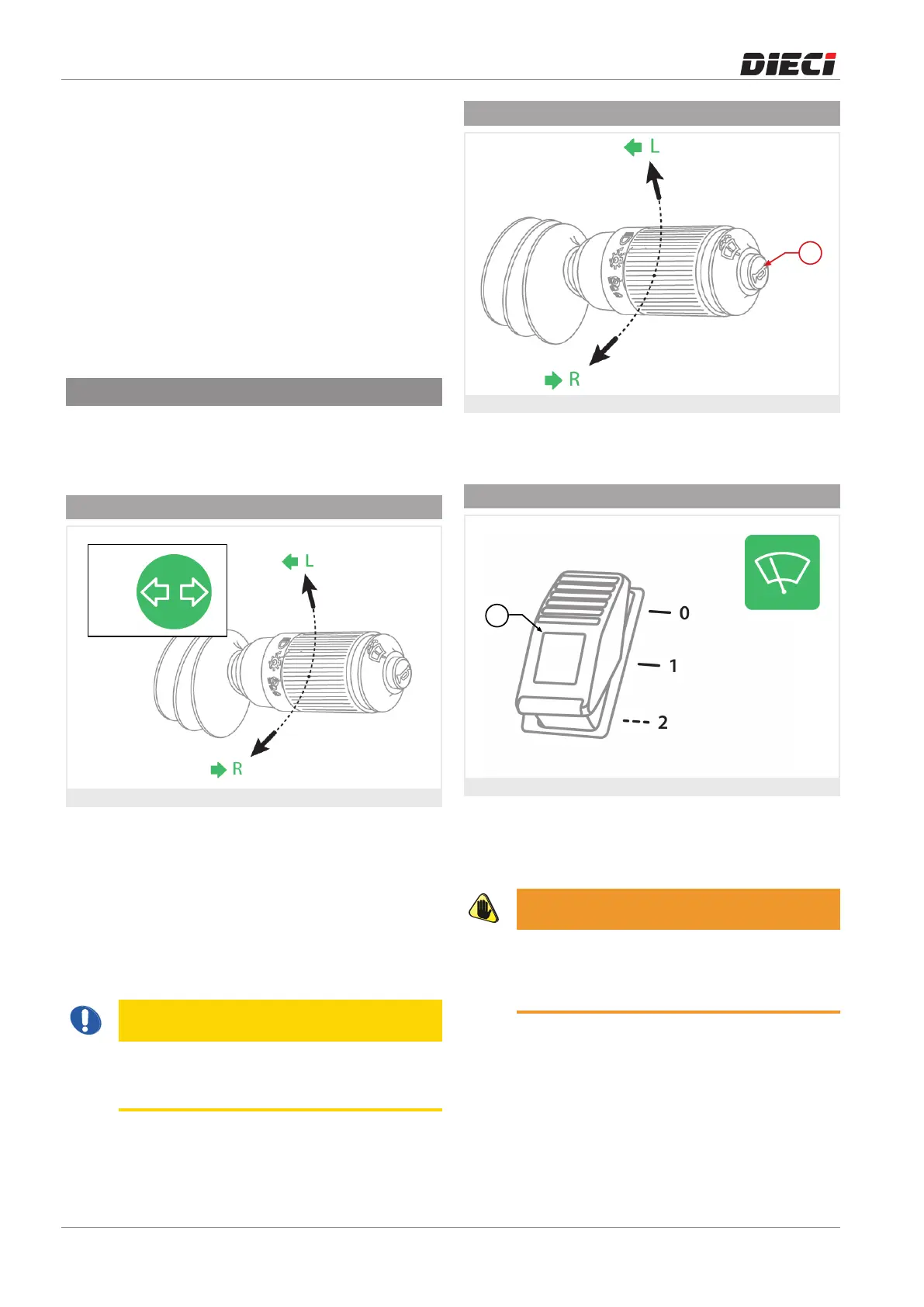
Press the button on the end of the lever "1" (fig.
150403-1), to activate the horn.
7.1.10.3 - Front window wiper
Figure: 150404-1
Press the switch “1” (fig. 150404-1) in intermediate
position “1” to activate the front window wiper. To
turn off the front window wiper return the switch “1”
in position “0”.
WARNING
Worn blades cause viewing difficulties and
scratches to the glass.
Replace the blades if they are damaged or worn.



 To Next Page