COMPONENTS DESCRIPTION 7
AXH1157-UK (ENG) L3500 L4700 F7000 [FPT S3A] 69
7.1.10.4 - Rear wiper
Figure: 150404-1
Press the switch “1” (fig. 150404-1) in intermediate
position “1” to activate the rear wiper. To turn off the
rear window wiper return the switch “1” in position
“0”.
WARNING
Worn blades cause viewing difficulties
and scratches to the glass.
Replace the blades if they are damaged or worn.
7.1.11 - Lights turning on
7.1.11.1 - Sidelights and low beam lights
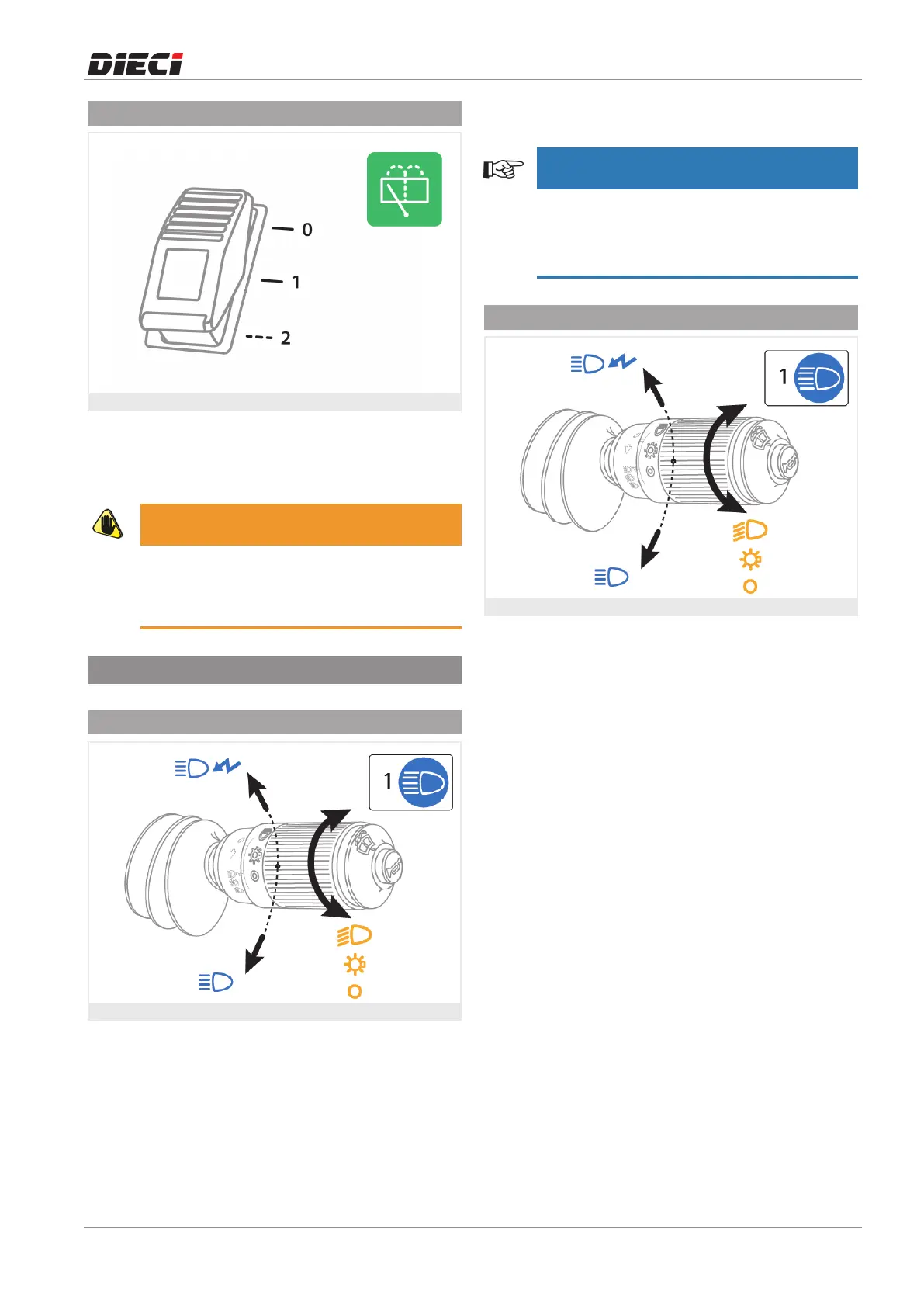
Figure: 150407-1
To turn on the front and rear sidelights of the vehicle,
turn the multifunction lever (fig. 150407-1).
The lever has 3 stable positions:
0- Lights off
1- Side lights on
2 - Low beam lights on
When the side light are activated the instrument panel
of the vehicle lights on.
NOTE
It is possible to turn on the side lights with the
ignition key in "0" position, while it is necessary to
bring the ignition key in position "I" to turn on
the low beam lights.
7.1.11.2 - High beam lights
Figure: 150408-1
To turn on the high beam lights it is necessary to
move the multifunction lever (fig. 150408-1).
• To make individual flashes with the high beam
lights, pull the multifunction lever toward the
steering wheel. It is possible to use this function
with the lights off and the ignition key in position
"0".
• To turn on the high beam lights, push the
multifunction lever downwards. It is possible to
turn on the high beam lights only with the
ignition key in position "I" and low beam lights
on. The high beam lights turned on is indicated
by the warning light "1" on the instrument panel.



 To Next Page