94
3.1.2 Virtual Keyboard
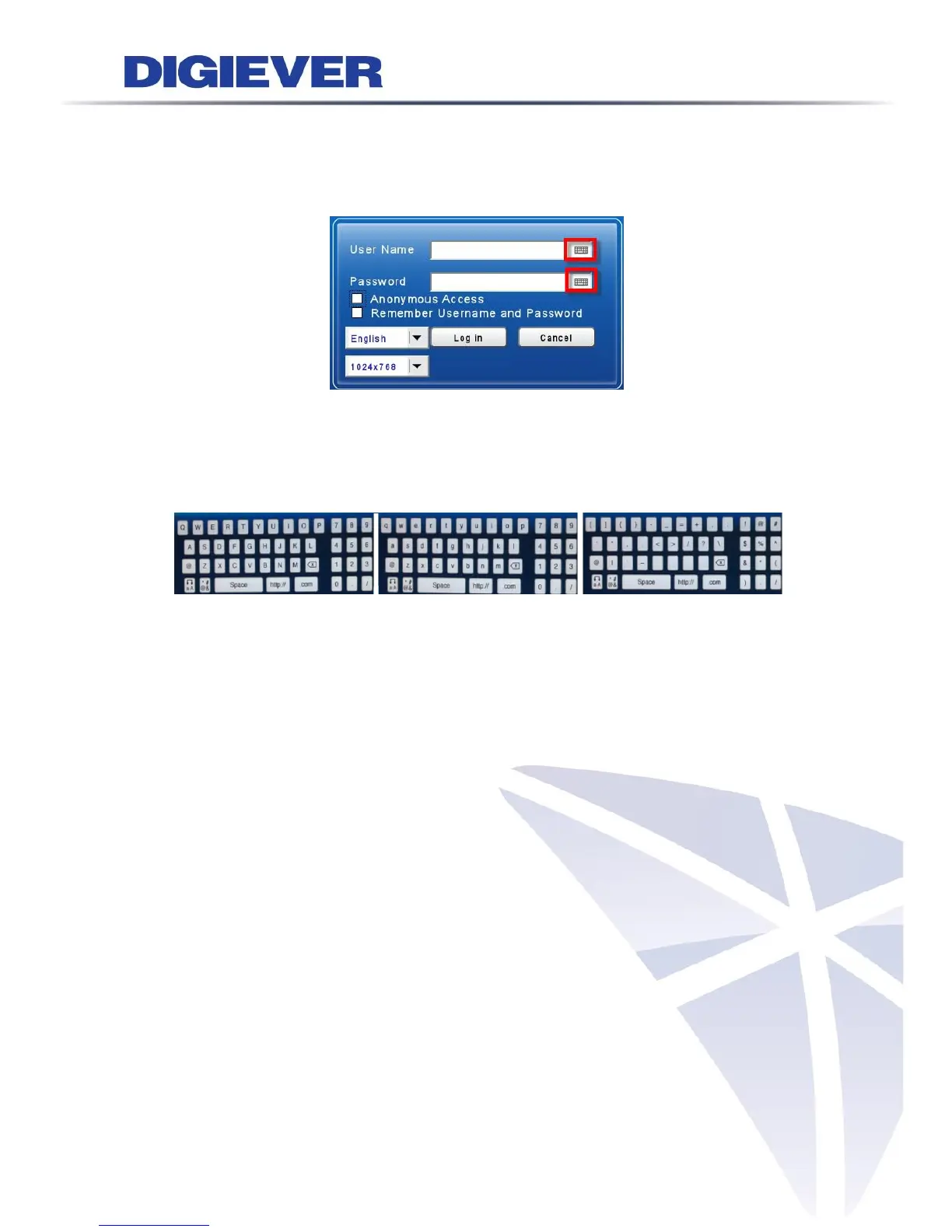
Users can choose to use USB keyboard for typing in local display of NVR, or fill out
columns with virtual keyboard. The virtual keyboard in local display can be enabled
from the right side of each column.
There are 3 types of virtual keyboard can be chosen, including Upper case, Lower
case and Symbols.
-Upper case -Lower case -Symbols



 To Next Page