45
2.2 Connect to NVR
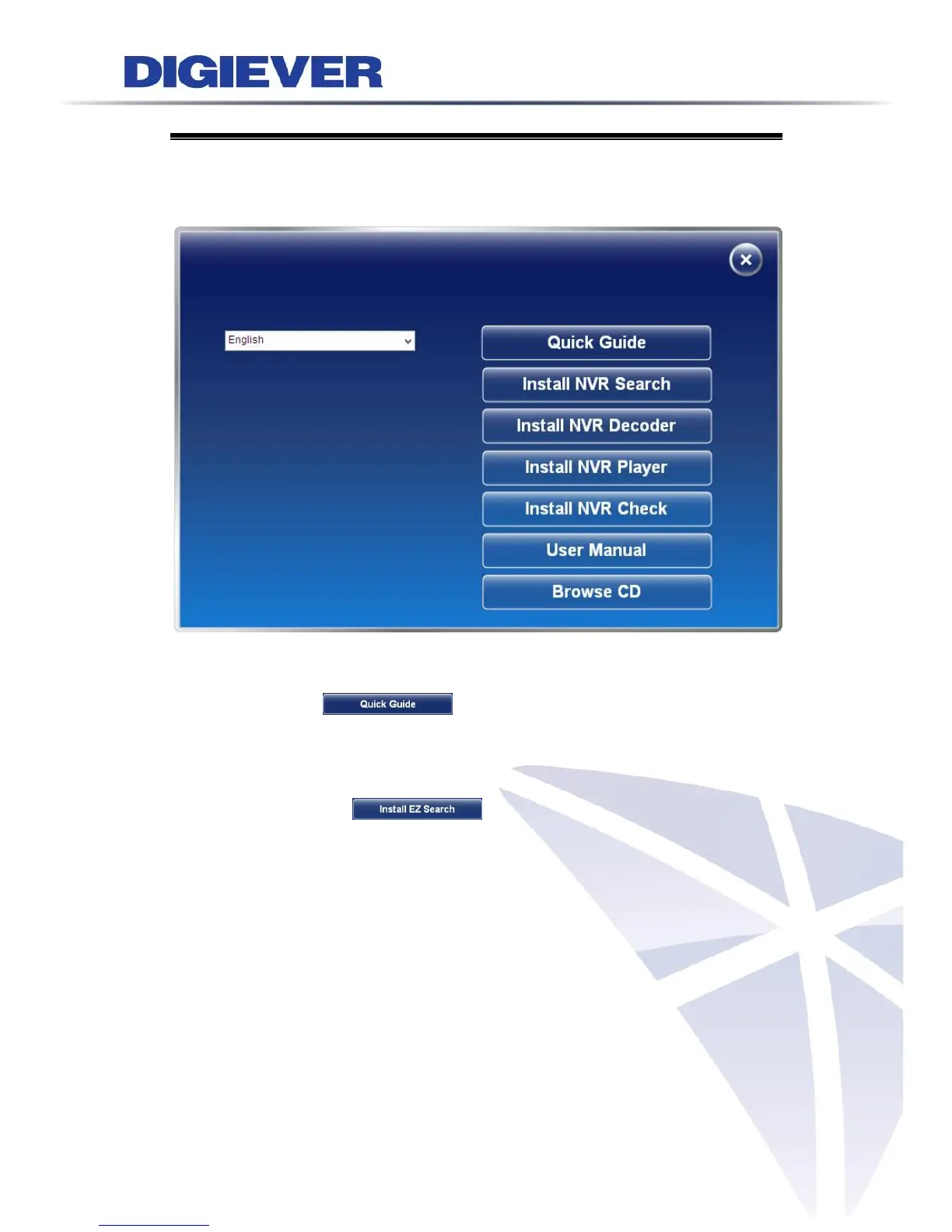
To begin, please insert the product CD-ROM in a PC to access the Quick Guide, User
Manual and install the utilities. As user runs the product CD, the following menu is
displayed.
2.2.1 Quick Guide
Click “Quick Guide” to enter the folder and double click the file to
open. Please read Quick Guide to quickly understand the process of NVR installation.
2.2.2 Install EZ Search
Click “Install EZ Search” to find NVR in the network. Please follow
the instructions to install and EZ Search will run automatically.



 To Next Page