67
2.2.8 Activate Live View Service
1. Connect to NVR
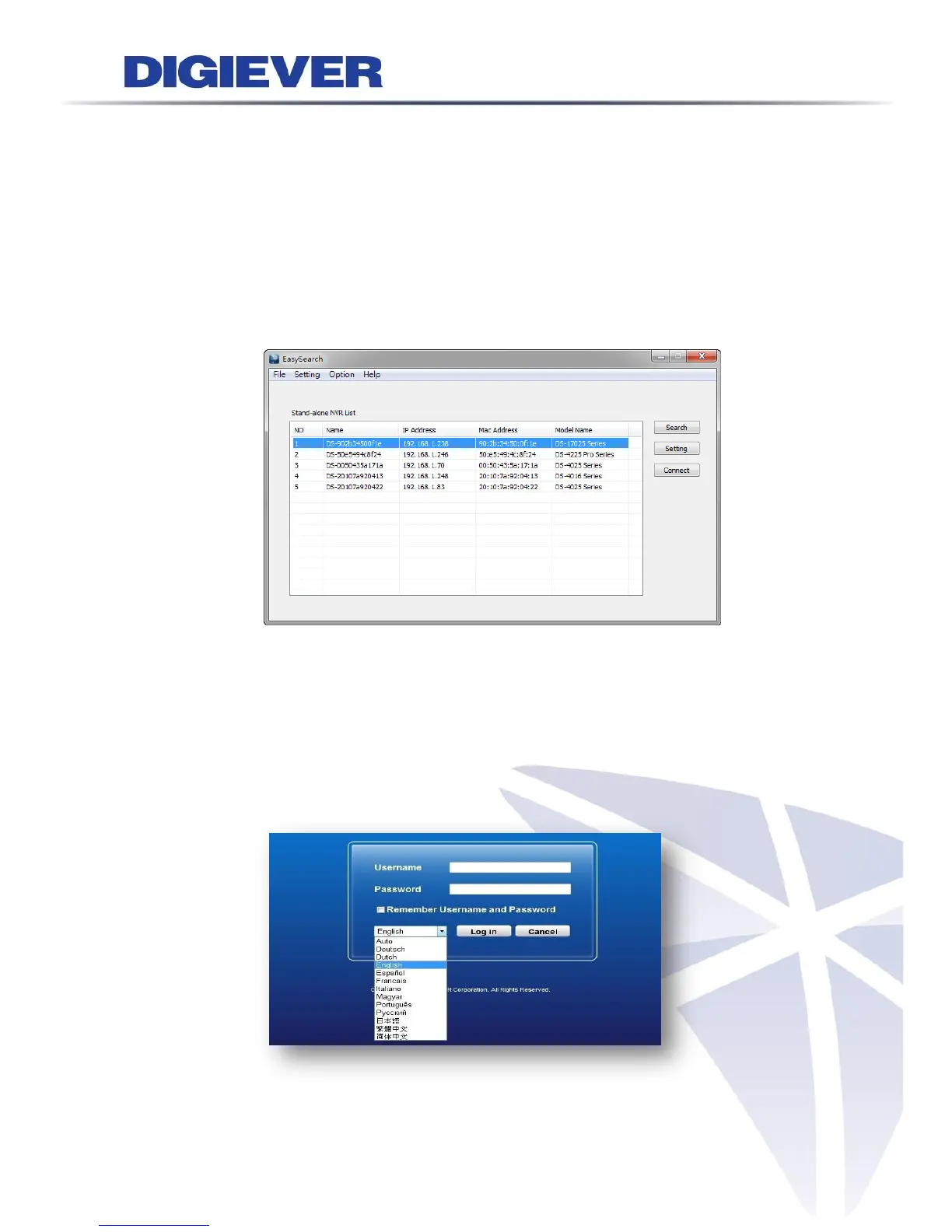
After setting the EZ Search and S-NVR Decoder, users can connect to the web-based
interface by the following two options: EZ Search or IE browser
1) EZ Search
Once you click “Connect” or double click the selected NVR list, the IE
browser will pop up automatically.
2) IE browser
Log in to the system by entering its IP address in IE browser.
2. Enter username and password:
For first-time use, the default username and password are “admin/admin.”
3. Select the languages for the UI.



 To Next Page