109
3.4.1 Steps to Playback Videos
Users can easily search recorded videos by following playback steps. Frame by frame
playback and rewind feature can also help users to minimize searching time.
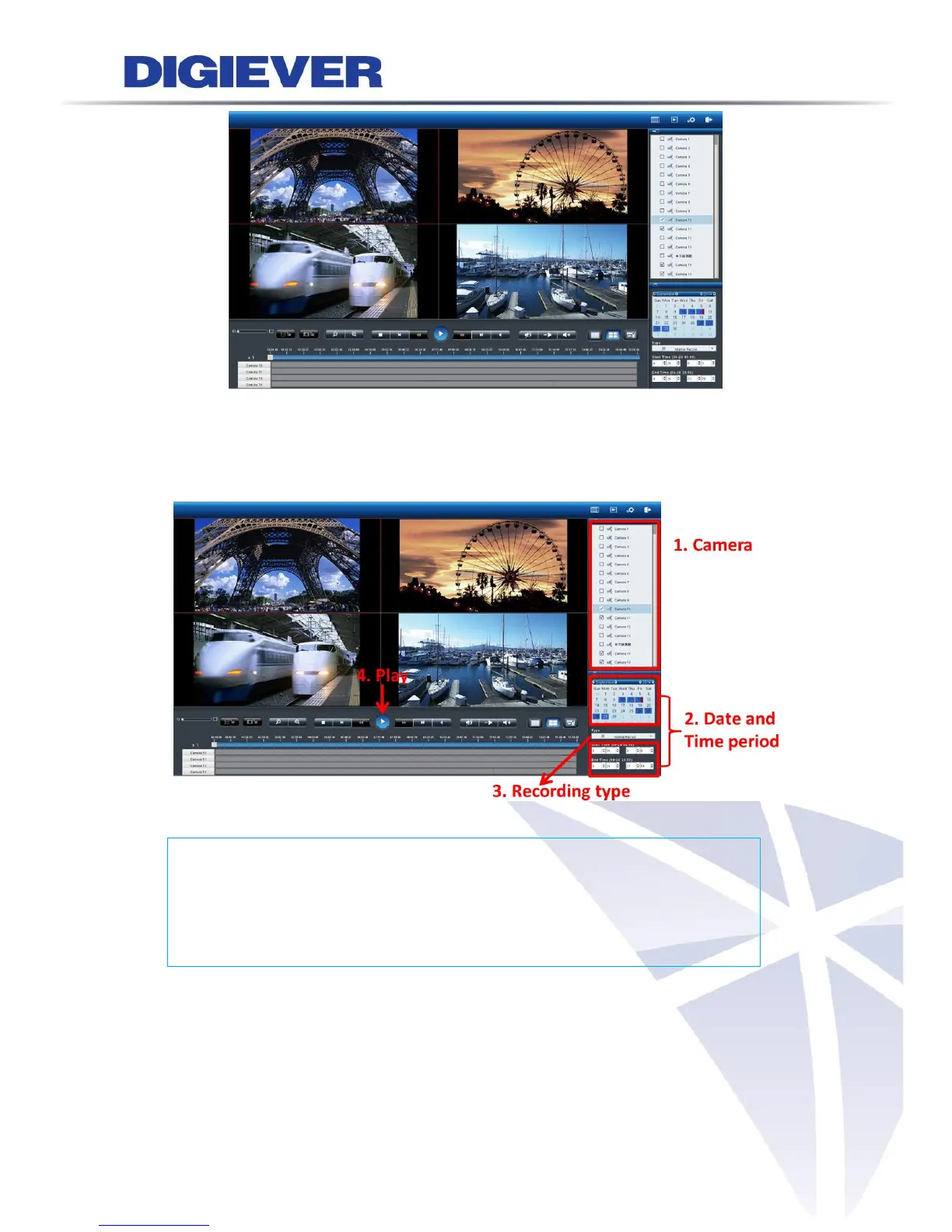
Please follow the following four steps to start playback:
1 Select cameras from camera list
2 Select date and time period
3 Select recording type
4 Click “Play”
1. Select cameras from camera list
Users can select up to four cameras to play the recorded video.



 To Next Page