92
Chapter 3. Use NVR by Local Display
NVR can be connected to a monitor via HDMI and VGA port to execute quick
configuration and display live view.
Note: Local display feature is supported in Pro and Pro+ series.
To start local display, please check the steps below:
1. Please install at least one hard disk drive in your NVR.
2. Connect NVR and IP cameras to the network.
3. Make sure the monitor is connected to the port (HDMI /VGA/ DVI-I) of NVR rear
panel.
4. Please connect a USB mouse to the USB port of NVR.
5. Please connect power cord and connector to turn on NVR.
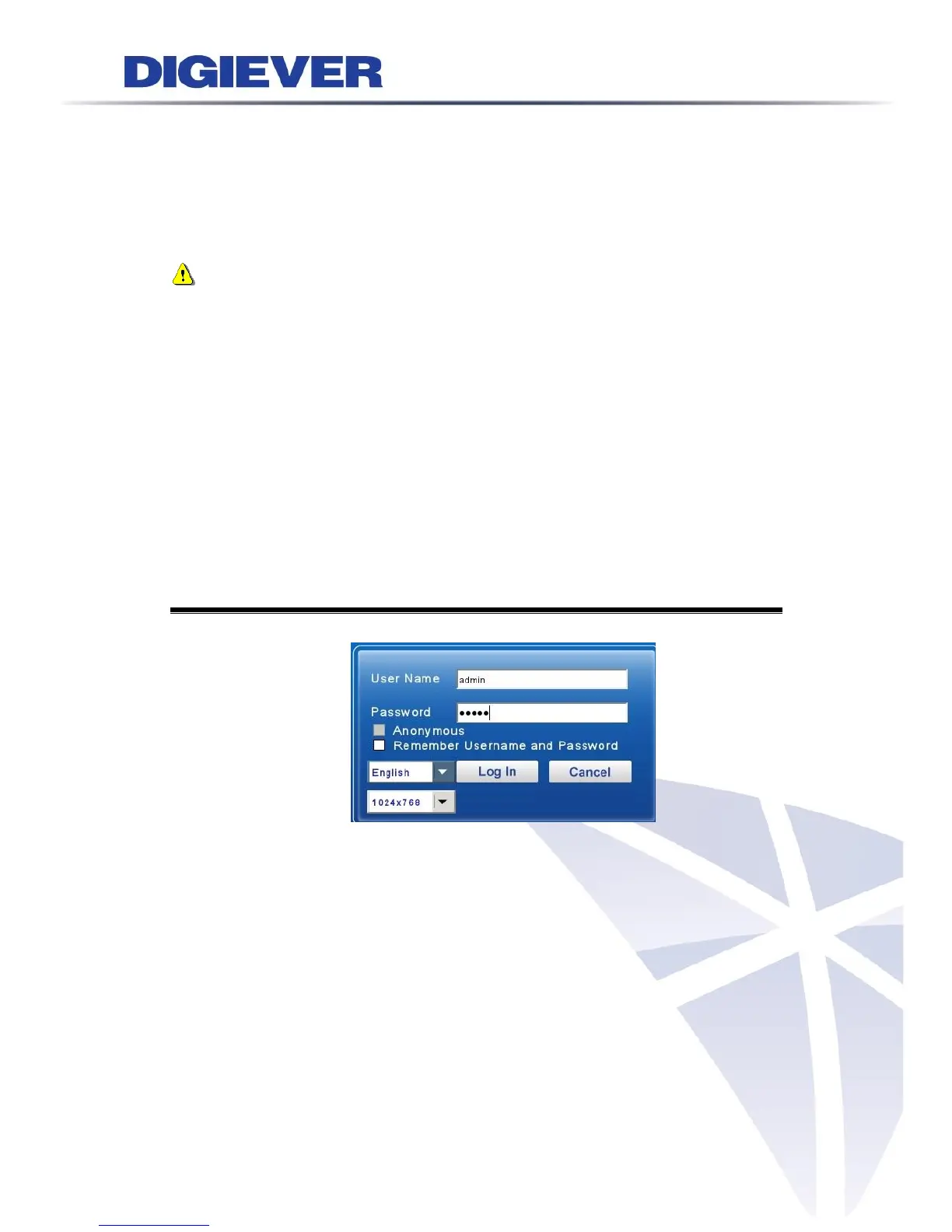
6. When you enter the log in interface of NVR, please enter default user name
“admin” and password “admin” and select languages.
3.1 Log in NVR
Users have to key in the correct username and password to login NVR
Resolution:
User can select the resolution 1920x1080 or 1024x768 in login page, when the
monitor supports both types of resolution.



 To Next Page