229
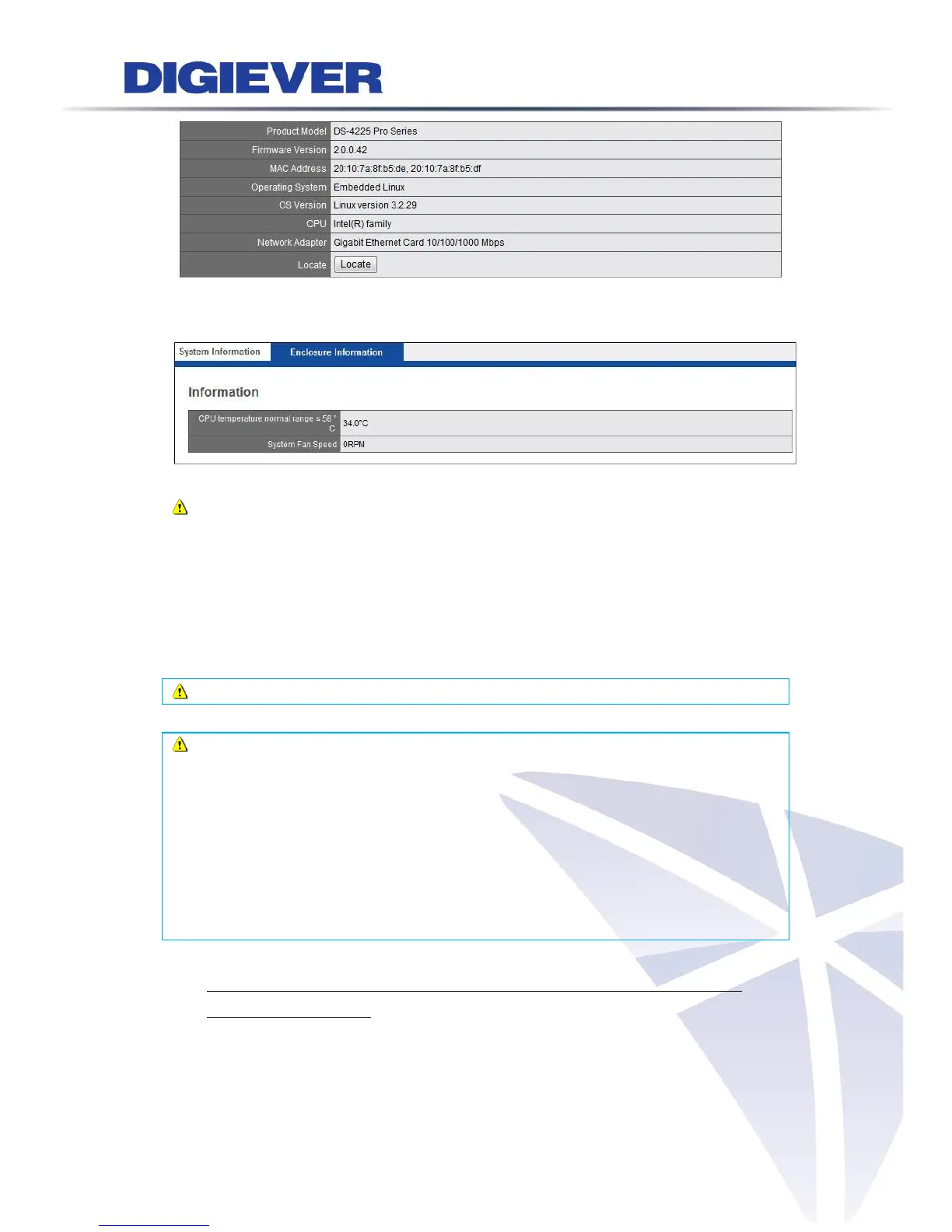
Enclosure Information
Enclosure Information shows CPU Temperature and System Fan Speed.
Note: Temperature of operation environment for NVR is 0~40˚C.
5.7.2 System Upgrade
Users can do NVR firmware upgrade via Remote Web Browser (Windows
IE/Chrome/Opera browser) or Local Display (connect directly to a local monitor via
HDMI, DVI or VGA connector).
Note: Please make sure the NVR model and the firmware version are correct.
Note: Please reboot NVR before upgrading to accelerate and to save your
process time. To successfully add all new features, it is strongly suggested to
upgrade the firmware within three versions each time, and necessarily via
v2.1.0.49 before upgrading to the latest firmware version. Since NVR has
important enhancement in v2.1.0.49.
For example, if your current firmware version is v2.0.0.45, please do the upgrade
from 2.0.0.45→2.0.0.46 or 2.0.0.47 or 2.1.0.48→2.1.0.49→2.1.0.50 or 2.1.0.51
or 2.1.0.52→2.1.0.53
1. Upgrade via Remote Web Browser in Windows OS(IE / Chrome / Firefox /
Safari/ Opera browser)
(1) Download latest firmware file from website and save the firmware file to a
local computer.
(2) Completely unzip the file



 To Next Page