194
5.4 Cloud
NVR provides cloud backup to upload recorded files to Dropbox. With cloud backup,
users can share recorded files with a link.
Please select “Dropbox” from the drop-down menu of Cloud to begin.
5.4.1 Setup Dropbox Service
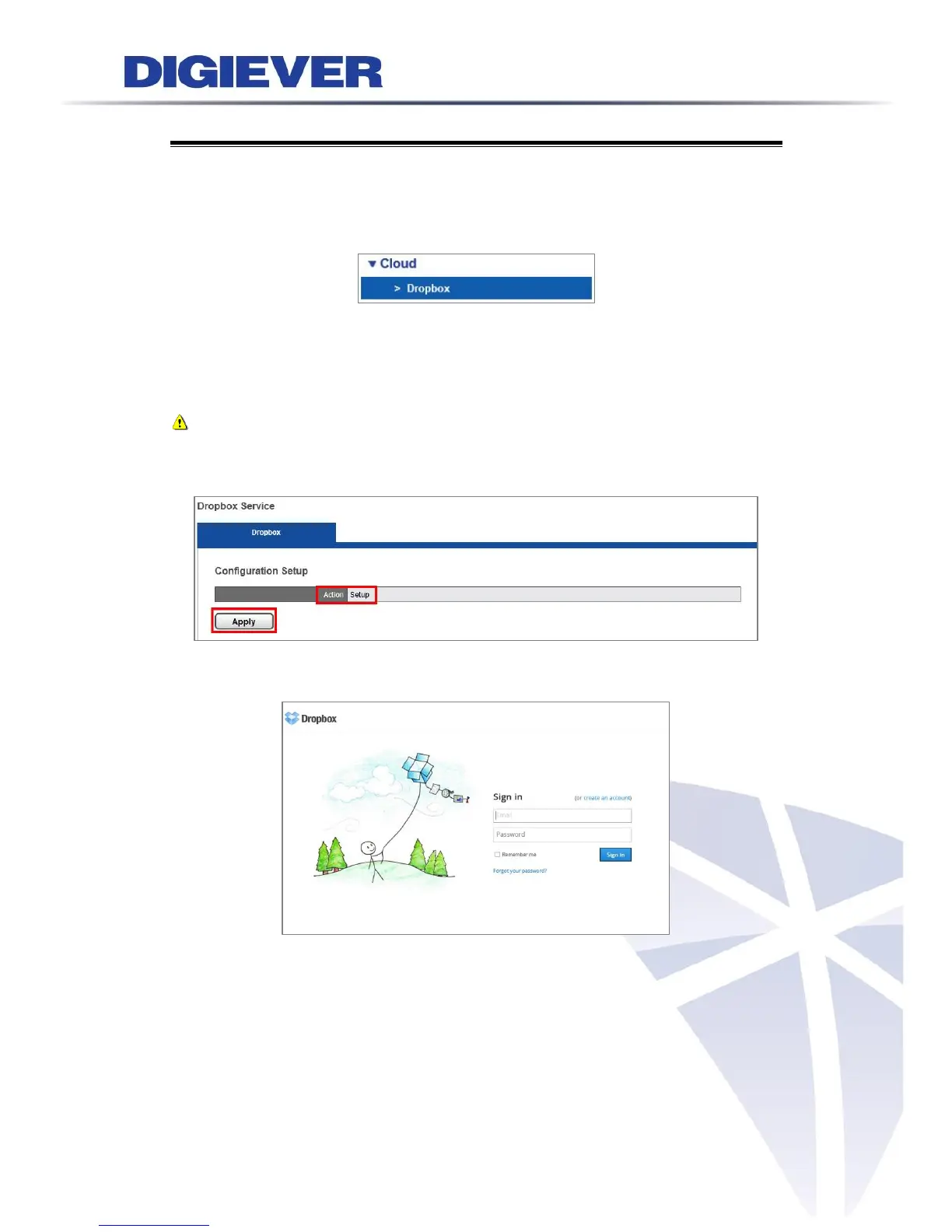
Please click “Apply” to start Dropbox webpage connection and to establish a folder
in NVR.
Note: It is suggested to create a new Dropbox account for NVR video sharing.
The documents saved in your Dropbox account will start sync to Dropbox folder
created in NVR after NVR successfully connects to a Dropbox account.
At the same time, a window will pop up to ask users to sign in account.
Another window will pop up to enter Dropbox password again to connect NVR.



 To Next Page