116
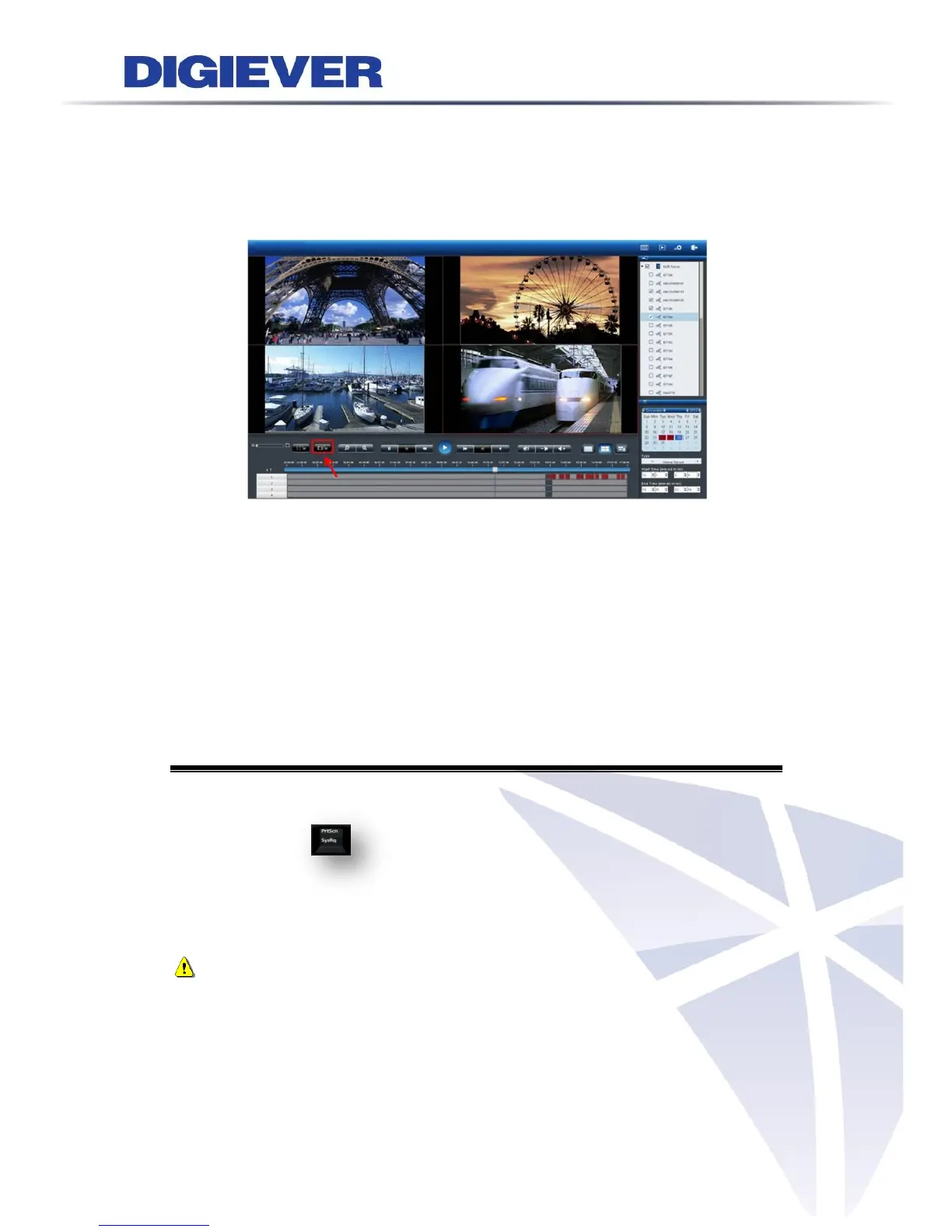
3.4.4 Snapshot
Users can have the snapshot while having the playback in local display. It needs to
plug in USB device for the export of snapshot images and it will have 10 sequential
images to be saved in the USB dongle.
3.4.5 Zooming with Mouse Scroll
In addition to digital zoom in/out button, users can use mouse scroll to find out
crucial proof in incident site in playback
Please click on the video window and use mouse scroll to zoom in or zoom out image
To press and hold left mouse button, drag the image to the place that you would like
to monitor.
3.5 Others
3.5.1 Screenshot on Local Display
Press "PrtSc SysRq" the image of full screen in local display can be pictured in
the NVR HDDs. The image will be saved in the folder “Public.” Users can reach the
folder from remote web browsers and access the file by a remote PC’s Windows
Networking and FTP Service.
Note: To use Windows Networking and FTP Service, please enable both in “File
Sharing Service” in configuration page. Please refer to chapter 5.3.3 File
Sharing Service.



 To Next Page