223
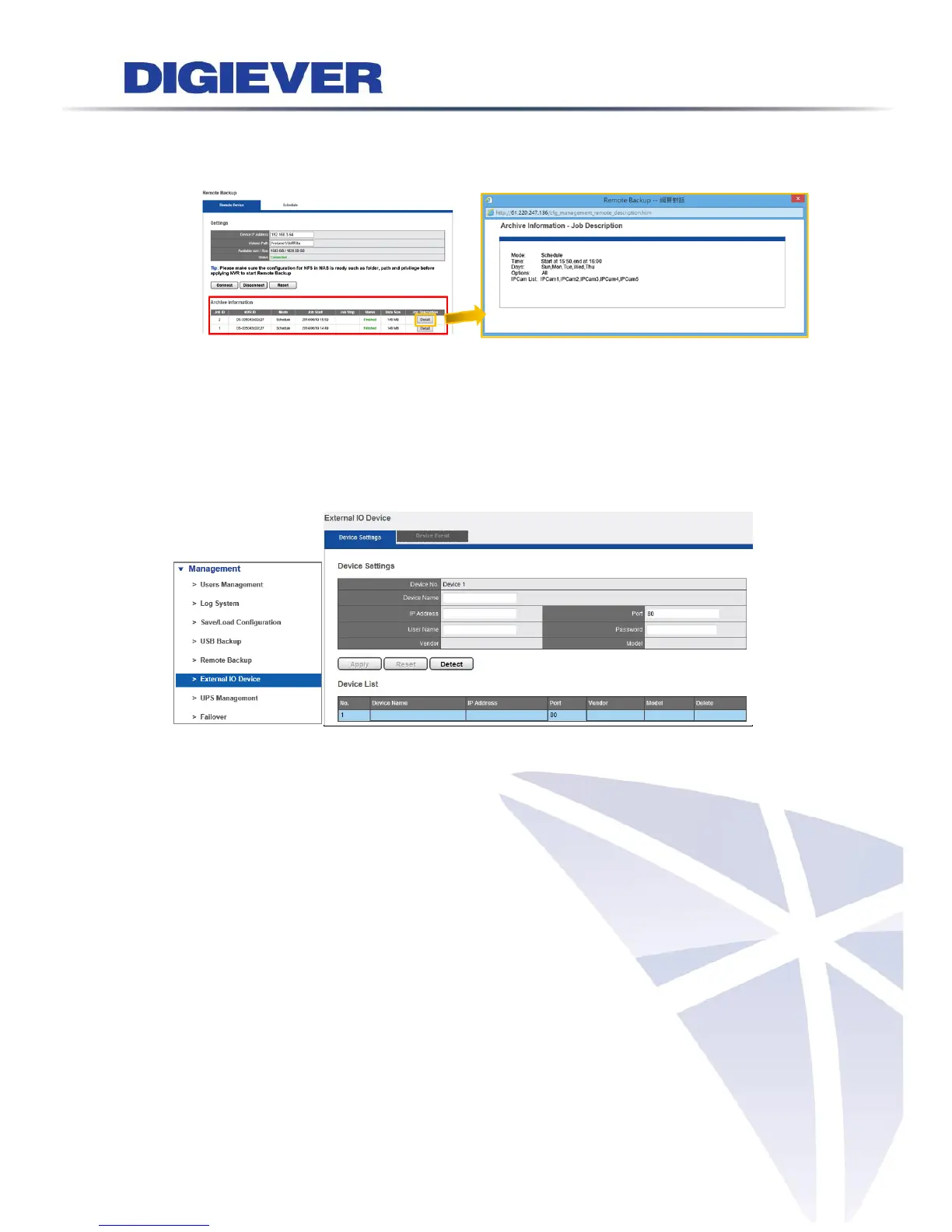
Archive Information is a remote backup history designed for users to record past
remote backup jobs.
Clicking “Detail” button in Jon Description column can view detailed information
of remote information.
5.6.6 External IO Device
Please select “External IO Device” from the drop-down menu of Management to
begin.
Enter necessary information to add devices manually, including: Device Name, IP
Address, User Name and Password.
Click “Detect” to check whether connection is successful or not.
Please click “Apply ”to finish the setting. "Vender" and "Model" will show up
automatically, if detectable.
Camera List shows all available device information including: Camera Name, IP
Address, Port, Vender and Model.
Also, Device Event will show the event originally set in the device.



 To Next Page