73
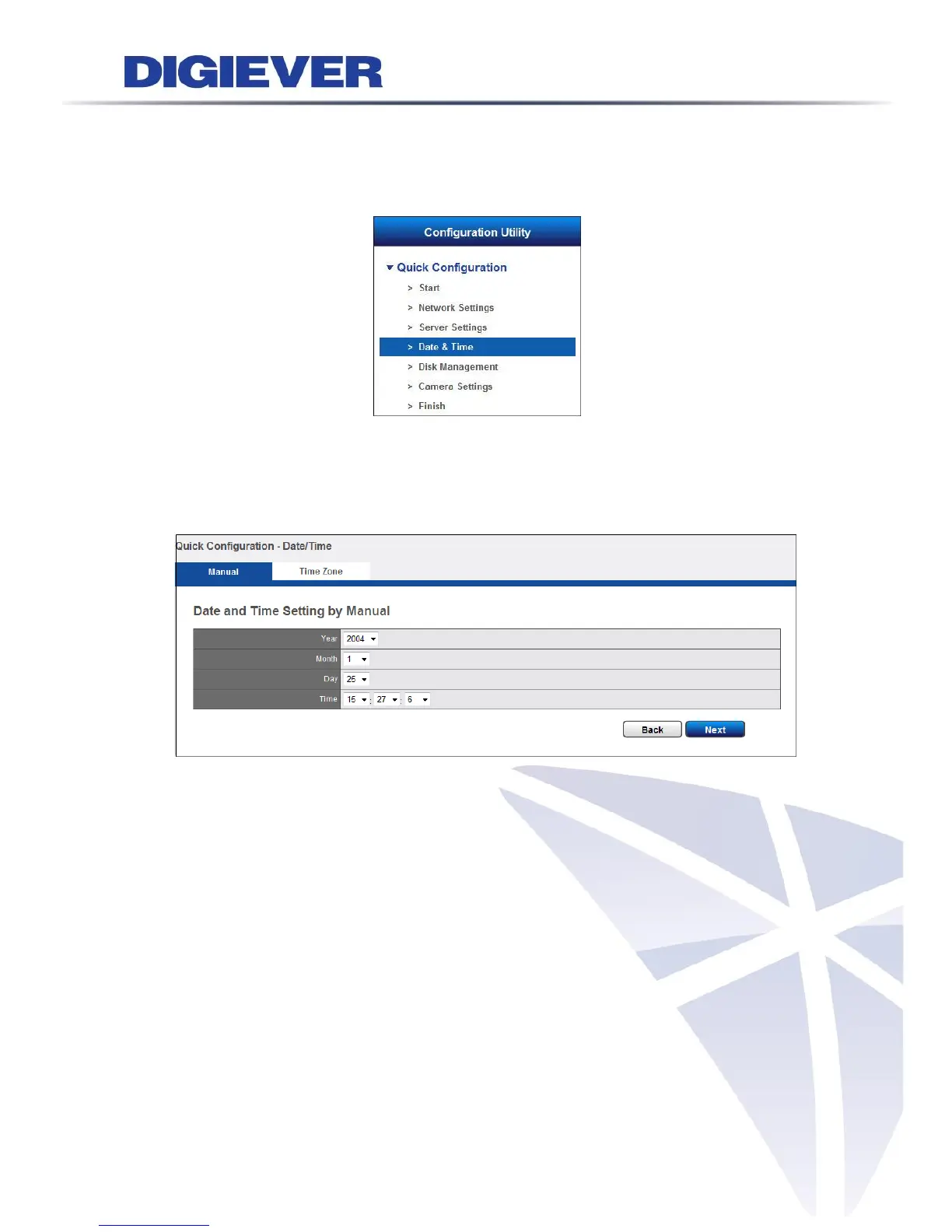
2.3.4 Date & Time
Please select “Date & Time” from the drop-down menu of Configuration Utility to
begin.
1. Manual setting
Use the drop-down list and configure the time manually. Select the Year, Month,
Date and Time. Time setting will be effective when you click “Next.”
2. Time Zone: Synchronize with an Internet time server automatically.
Select the time zone of your area and update the date and time of the NVR
automatically with an NTP server. User also has an option to automatically adjust
daylight saving time.



 To Next Page