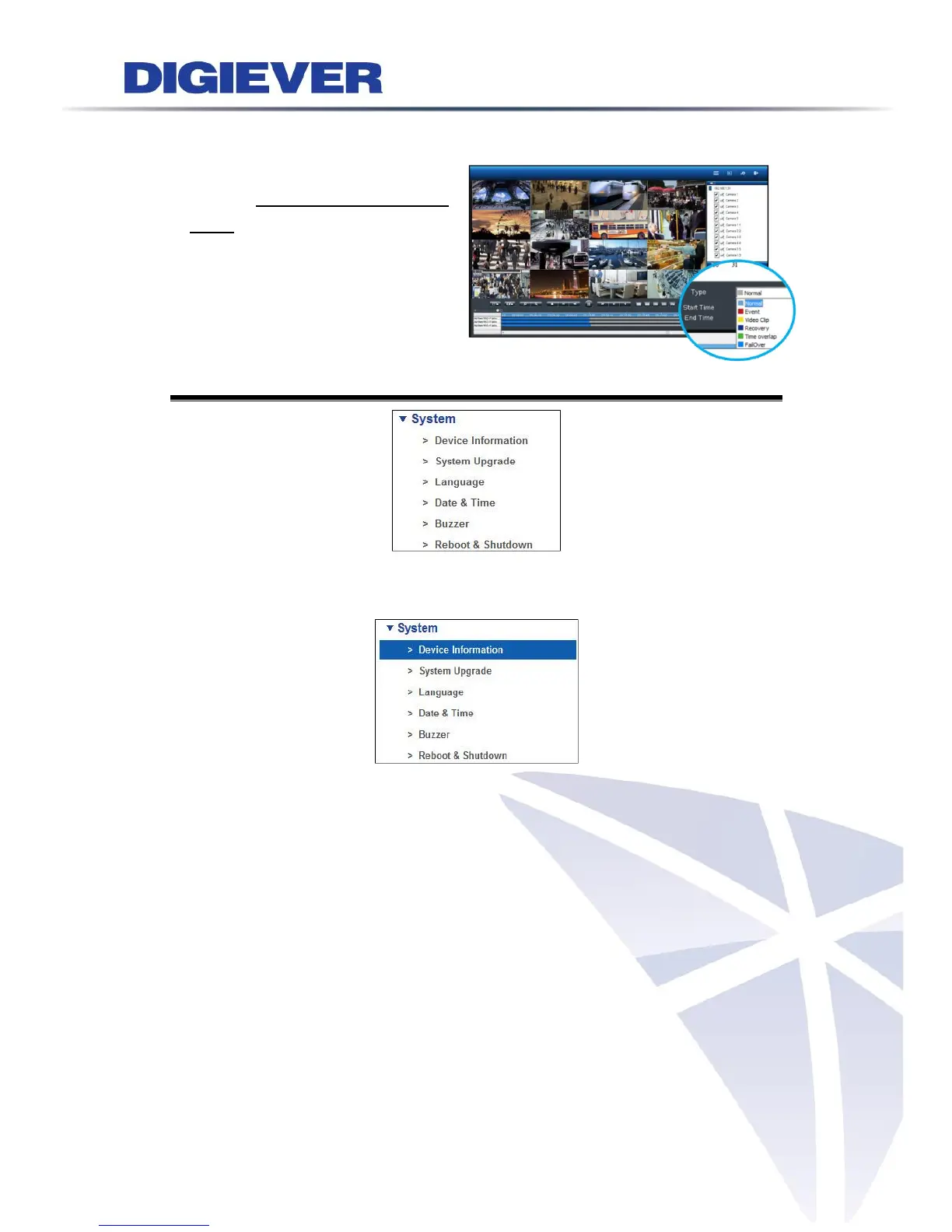
On NVR recording server, users can
playback videos recorded in failover
server on remote web browsers.
Videos recorded in failover server
display in light blue color.
5.7 System
5.7.1 Device Information
Please select “Device Information” from the drop-down menu of System to begin.
System Information
System Information shows Operating System, OS Version, NVR Version, CPU,
Network Adapter, MAC Address, and Network Flow.
Locate
Click "Locate", the NVR buzzer will be triggered for 3 seconds. It helps the user to
locate the NVR.



 To Next Page