142
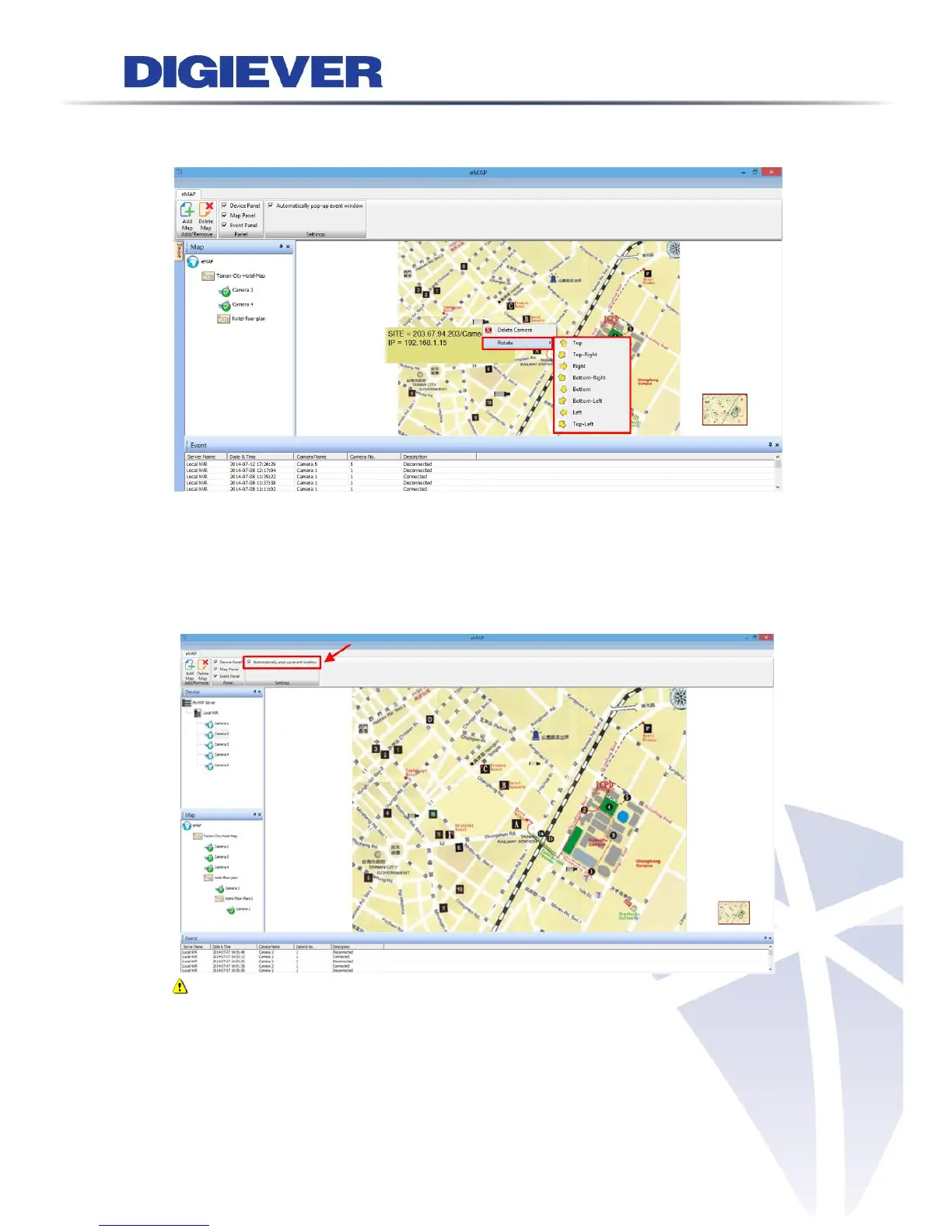
2. Rotate camera direction
Please right click on the camera icon to modify camera direction.
4.2.4 Enable/ Disable Automatically Pop-up Event Window
When a motion is triggered from IP camera on the map, a window will pop out to
notify users and to display recording video. To enable or disable automatically
pop-up event window on E-Map, please click the option.
Note: The maximum of pop-out event window is 4.



 To Next Page